2026
What Does AI Home Design Software Actually Do in 2026?
Learn what AI home design software can actually do in 2026, from floor plan generation to room visualization, and how to choose the right tool.

Caroline Boulard
Head of Growth
8 min read
You have a renovation budget, a Pinterest board full of ideas, and no idea which AI tool actually does what you need. Some generate floor plans from scratch. Others restyle your living room from a single photo. Here's how to figure out which one fits your project.
What is AI home design software?
AI home design software uses artificial intelligence to help homeowners plan, visualize, and refine residential spaces. That includes generating floor plan layouts, restyling rooms from photos, testing materials and color palettes, and creating realistic renders of spaces that don't exist yet.
The key difference from traditional design tools: you don't need to learn CAD software or draw anything manually. You describe what you want, upload photos or dimensions, and the AI generates visual options. Some tools focus on one step of the process. Others, like Maket, combine layout generation, editing, and visualization in a single workspace.
Starting from zero: planning a new layout
If you're building new or doing a major renovation, the first thing you need is a layout. How many rooms? Where do they go? Does the flow make sense for how you actually live?
AI floor plan generators handle this by taking your requirements (lot shape, square footage, room count, style preferences) and producing multiple layout options in minutes. Instead of waiting a week for one draft from a professional, you can compare a dozen configurations in an afternoon.
This is especially useful when you're still in the "figuring it out" phase. You're not committing to anything. You're just seeing what's possible. Try a layout with the home office next to the main bedroom. Try another with it on the opposite side of the house. See which one feels right before anyone picks up a hammer.
We wrote a full breakdown of how floor plan generation works in our AI Floor Plan Generator guide.
Restyling what you already have
Not everyone is starting from scratch. Maybe you love your home's layout but the living room feels stuck in 2015. Or you just bought a place and want to see what it could look like with different finishes.
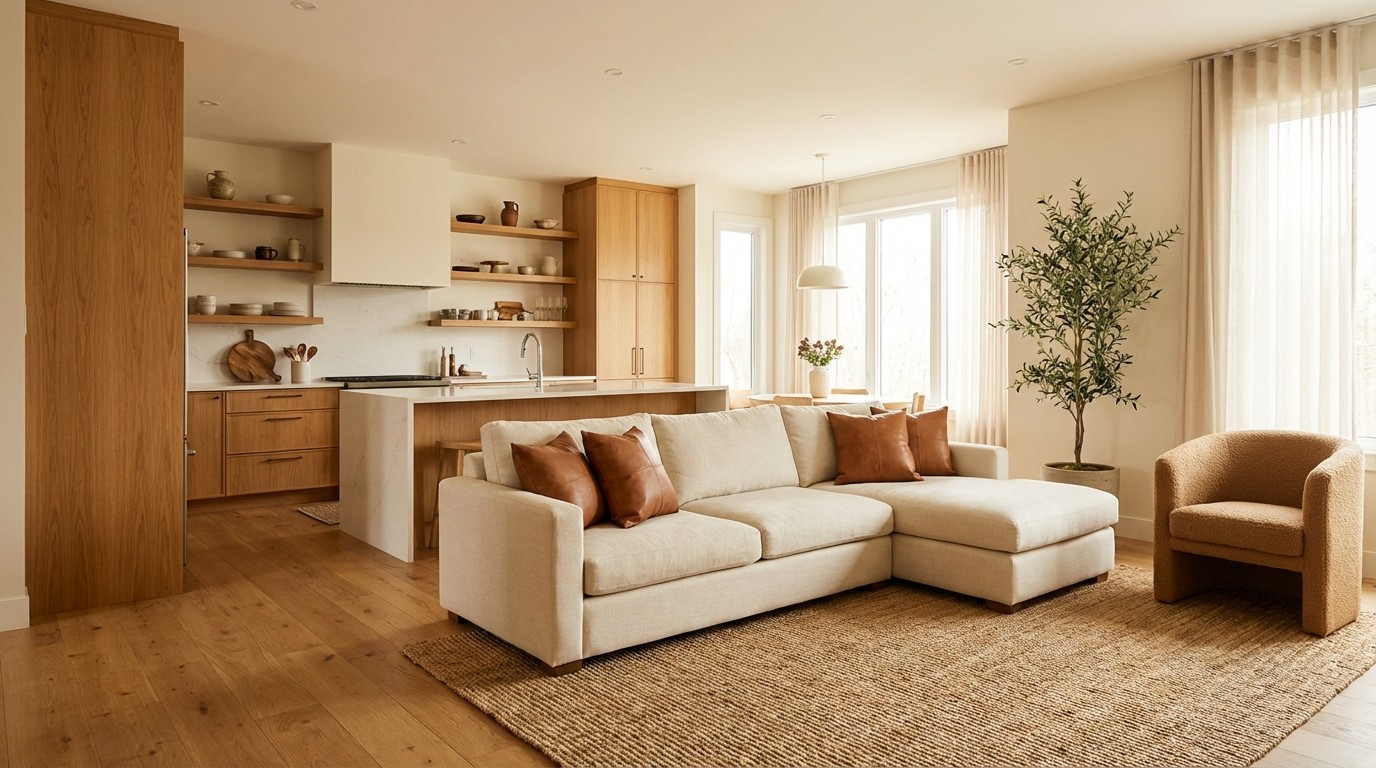
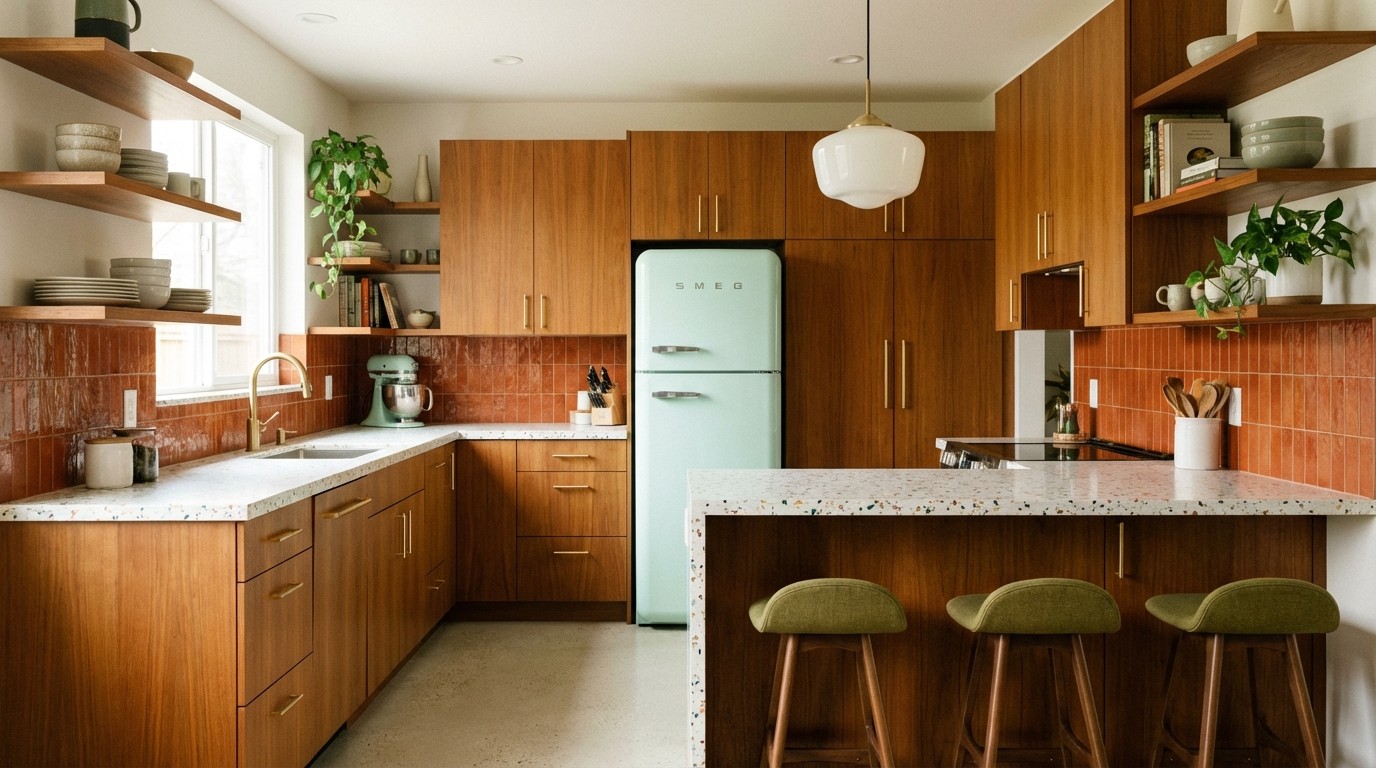
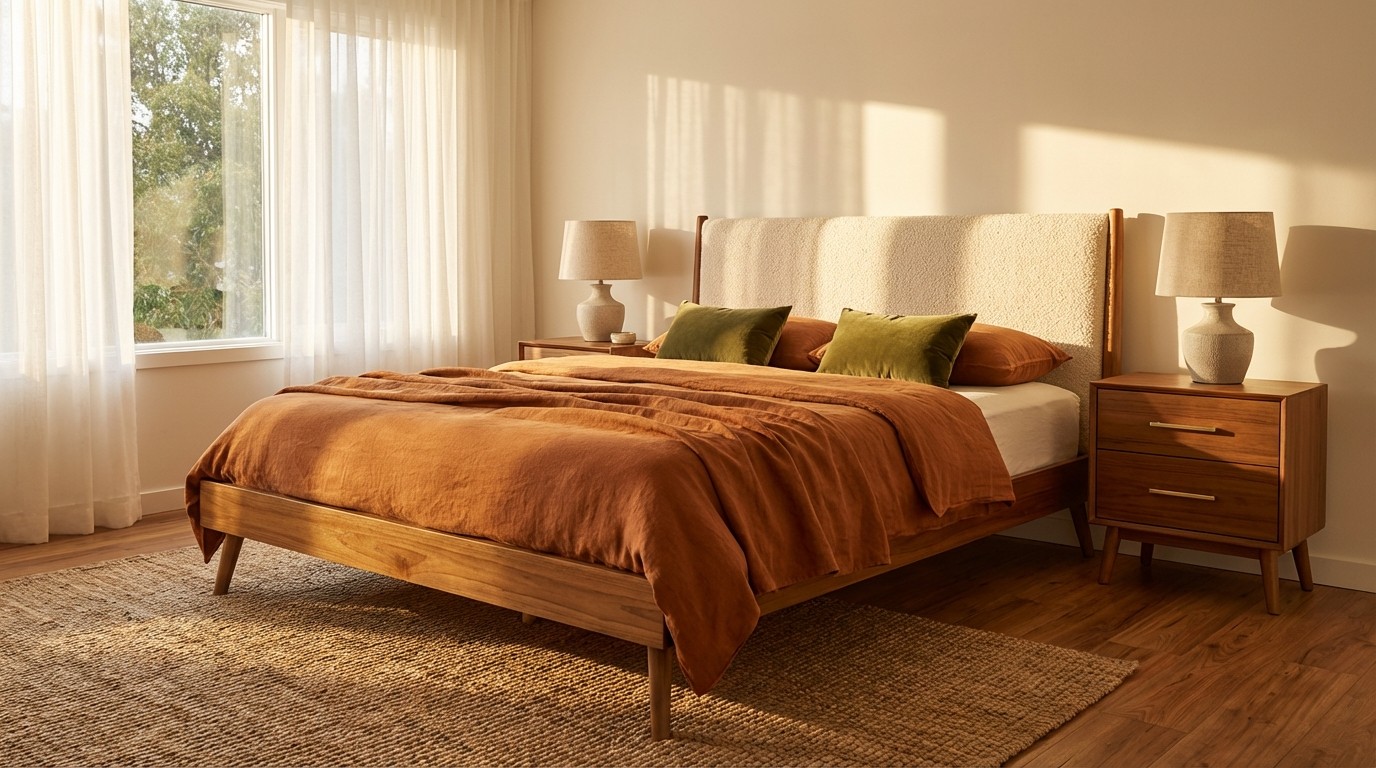
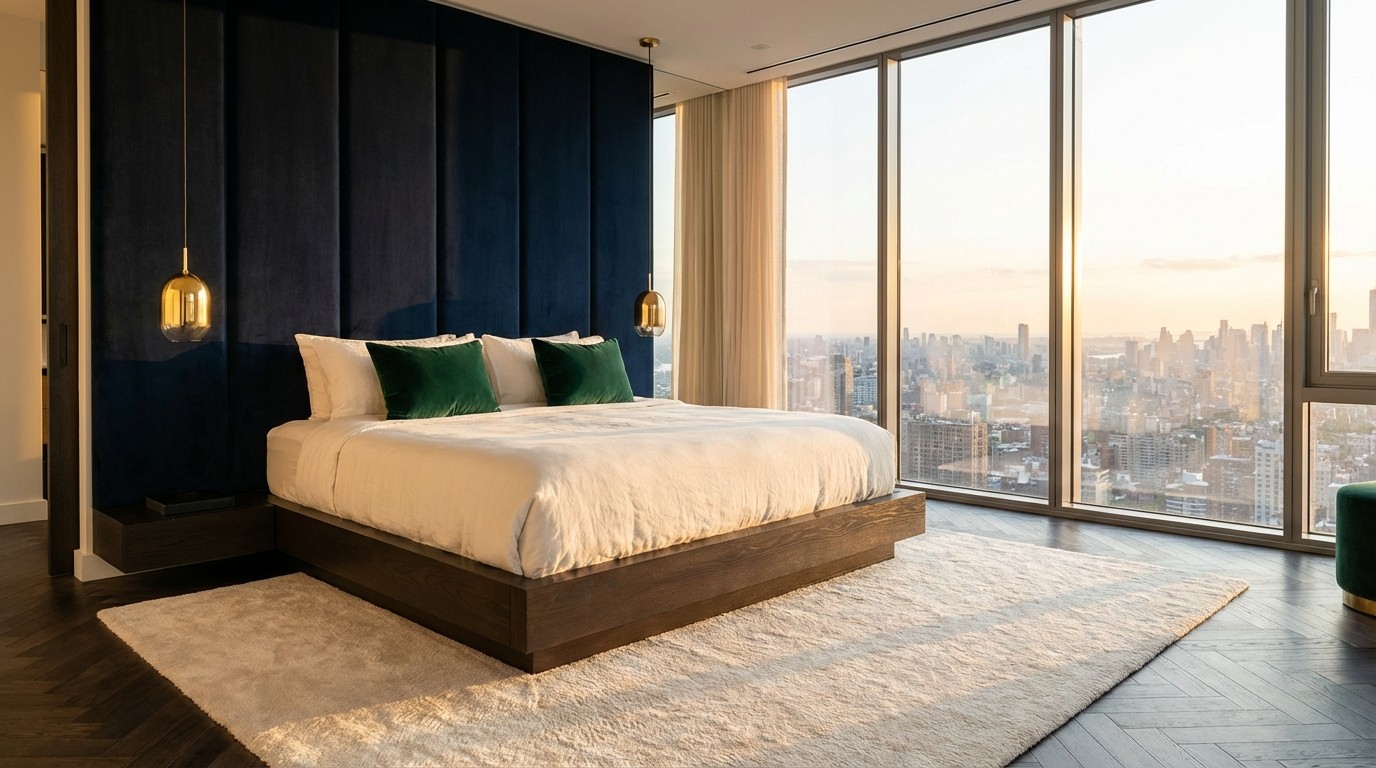
This is where photo-based room redesign comes in. Upload a photo of your current space, pick a style direction (Scandinavian, industrial, coastal, Japandi), and the AI shows you a transformed version. No painting, no furniture shopping, no commitment. Just a clear picture of what's possible.
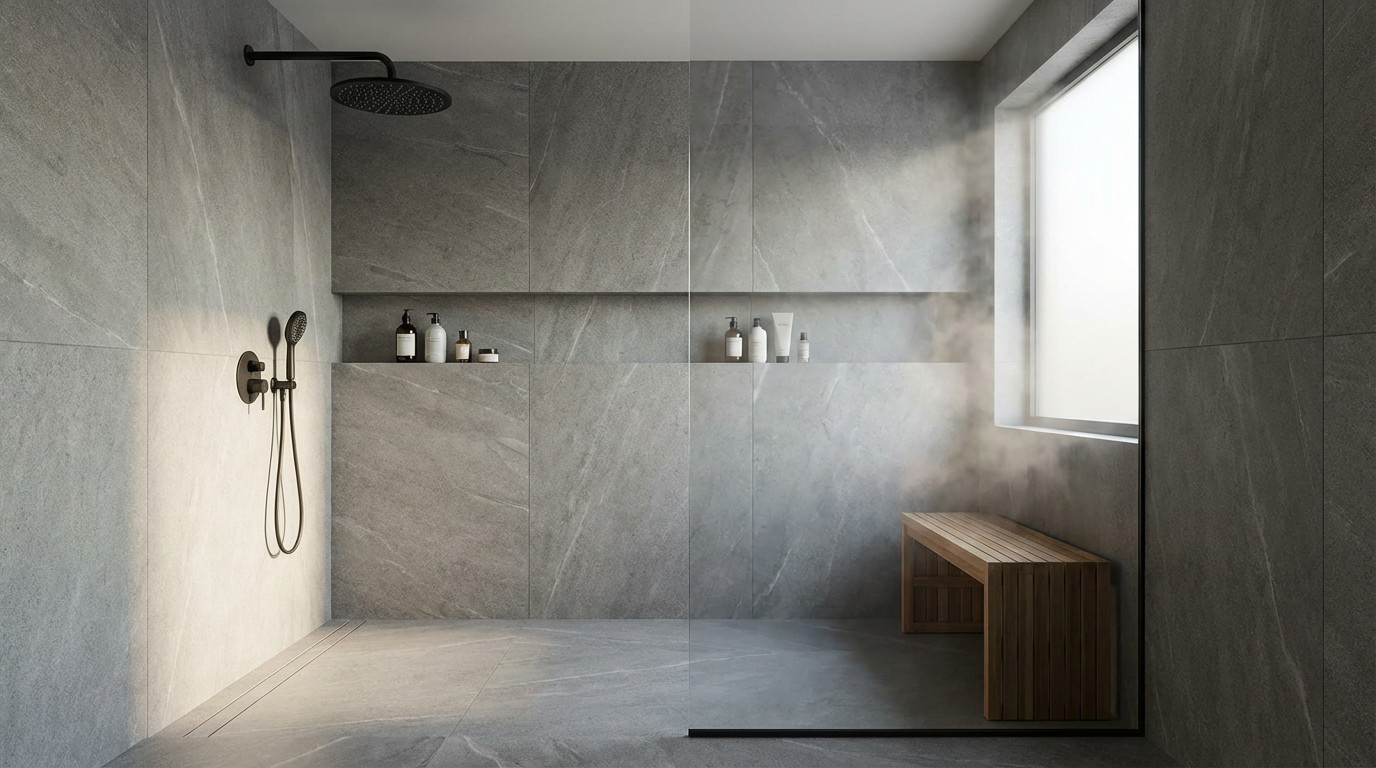
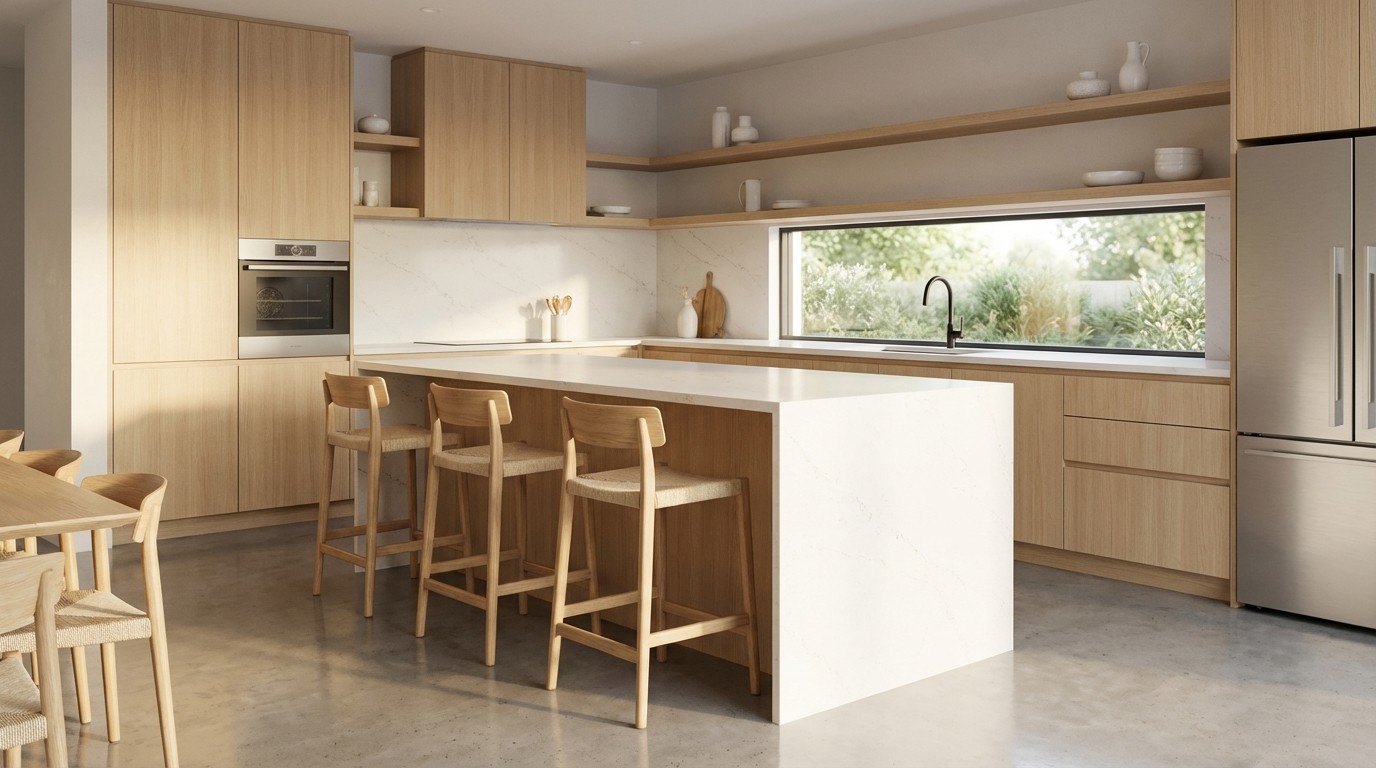
It works for any room. Test your dated bathroom with modern fixtures. See your garage conversion as a studio apartment. Try five different backsplash options for the kitchen without ordering a single sample. The point is to make decisions faster and with more confidence, because you've already seen the result.
Visualizing before you commit
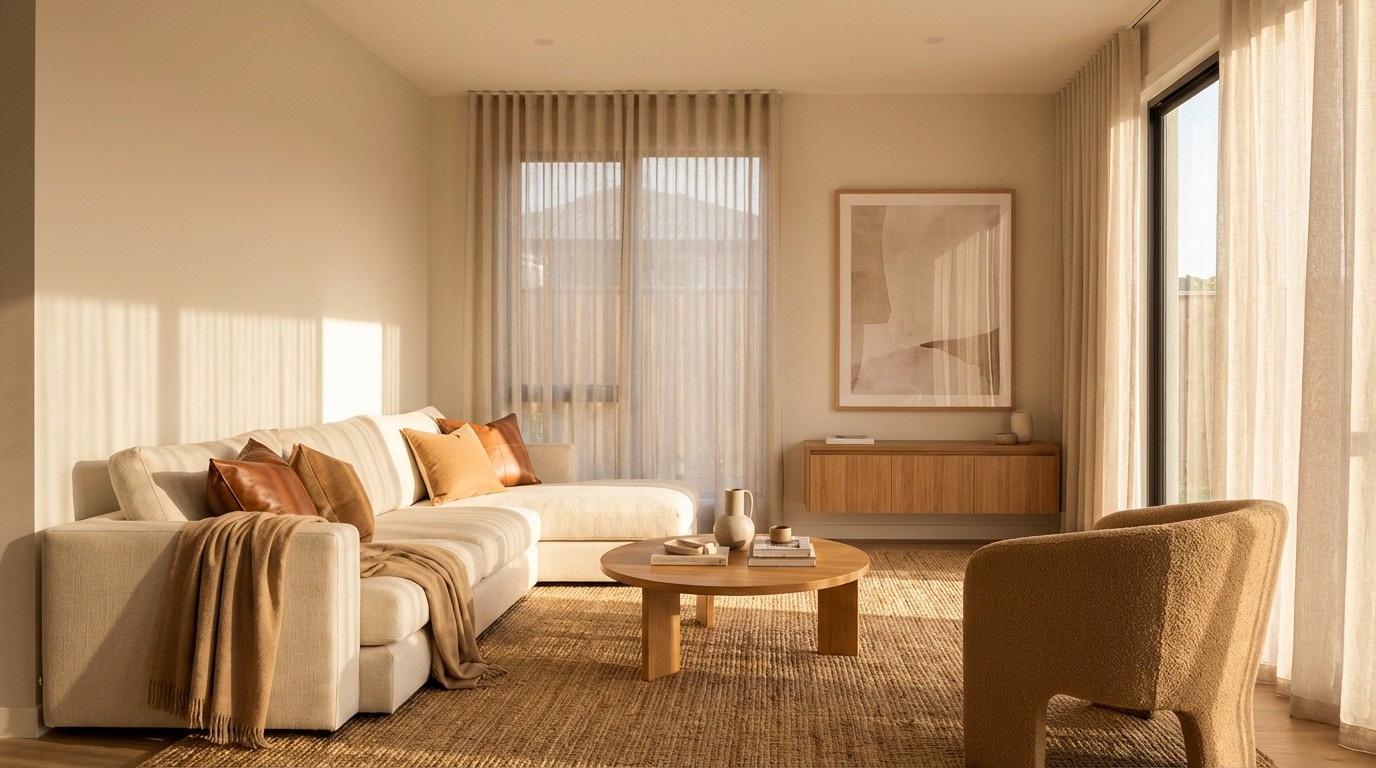
Here's where AI saves homeowners the most money: seeing realistic renders before purchasing materials or hiring contractors.
That hardwood floor you love at the store? Test it against your wall color, your furniture, and your lighting conditions. The accent wall you've been debating? See it in three different shades before buying a single can of paint. Thinking about swapping carpet for polished concrete in the basement? Preview it first.
The best visualization tools let you upload your own reference images, so the AI matches the specific aesthetic you're going for. Not a generic "modern living room" but your version of it, with the exact textures and tones you've been collecting on Pinterest.
Real estate professionals use this same technology for virtual staging. A vacant listing with bare walls becomes a fully furnished space that helps buyers see the potential. A dated property gets a digital renovation that shows what it could become.
So which type of tool do you actually need?
Not every AI home design tool does the same thing. Here's a quick breakdown:
Tool Type | What It Does | Best For |
|---|---|---|
AI Floor Plan Generators | Create layouts from your requirements | New builds, major renovations |
Room Restyling Apps | Transform existing rooms from photos | Refreshing spaces, exploring aesthetics |
Visualization Platforms | Render materials, finishes, staging | Testing decisions before spending |
All-in-One Platforms | Generate, edit, and visualize together | Full projects without app-switching |
The simplest way to choose:
Building from scratch or major renovation? Start with a floor plan generator. (See our dedicated guide)
Refreshing an existing space? A photo-based restyling app gets you there fastest.
Deciding on specific materials or finishes? Look for strong visualization and rendering.
Want the full workflow in one place? An all-in-one platform like Maket covers layout generation through visualization on a single canvas.
Getting better results, no matter which tool you pick
The quality of what you get out depends on what you put in. A few things that make a real difference:
Be specific with your inputs. "Scandinavian farmhouse, two stories, open kitchen, 2,200 square feet, lots of natural light" produces dramatically better results than "a nice house." The more detail you give, the closer the first output will be to what you're imagining.
Upload reference images. If you've been saving inspiration on Pinterest or Instagram, use those images to guide the AI. A reference photo communicates style preferences more effectively than any text description.
Try unexpected combinations. You might be set on a traditional aesthetic, but what happens when you test a modern farmhouse hybrid? Or a minimalist approach you'd never considered? Experimenting is free with AI, and people regularly discover styles they end up loving.
Treat the first result as a starting point. The initial output almost never nails it perfectly, and that's fine. Move walls, swap materials, adjust layouts. Iteration is the whole point. The third or fourth version is usually the one that clicks.
What AI home design can't do (yet)
AI is a powerful exploration and planning tool, but it has limits worth knowing about.
Not every AI-generated layout is structurally sound. Some tools optimize for aesthetics over buildability. Before any construction, have a licensed professional review the plans for code compliance and structural integrity.
Rendering quality varies between platforms. Some produce photorealistic results. Others look obviously generated. Most offer free tiers, so test before you commit to paying.
And complex projects (multi-story builds, unusual lot shapes, heritage renovations) still benefit from professional architects working alongside AI tools. The best workflow is usually AI for exploration, professionals for execution.
The real value of AI home design isn't in any single feature. It's in arriving at your contractor meeting, your design consultation, or your renovation kickoff with a clear picture of exactly what you want. No guessing. No expensive changes mid-project. Just a homeowner who already knows.
For a deeper look at what AI changes in the building process and where the limits are, we break it down with real cost comparisons.
FAQs about AI home design
Is there a free AI home design tool I can try?
Yes. Many platforms offer free tiers or trials. Maket offers a free trial that lets you generate floor plan options in minutes, so you can test it before committing to a paid tool.
Can ChatGPT design a home or room layout?
ChatGPT can suggest design ideas and describe layouts in text, but it can't generate visual floor plans or renderings. For layouts you can actually see and refine, you need a dedicated AI home design tool with visual output.
Can AI-generated floor plans be used for construction?
They're a strong starting point, but most require review by a licensed professional before construction. Accuracy and local building code compliance vary by tool.
What file formats do AI home design tools typically export?
Most export as PNG, JPG, or PDF. Some advanced platforms also support CAD-compatible formats, useful when handing off to an architect or contractor.
Can I upload an existing floor plan for AI to edit?
Yes. Many tools accept existing floor plans for renovations, additions, or alternative layouts. Maket supports uploading existing plans and refining them with AI, which is especially useful for remodeling projects.
How much does AI home design software cost?
AI home design tools typically range from free (with limited features on credits) to $20 to $50 per month for paid plans. Pro and team tiers can go up to $100+ per month for advanced features like 3D rendering, CAD exports, and unlimited generations. Most platforms offer free trials so you can test capabilities before subscribing.
What is the best AI home design software?
It depends on your goals. For residential AI-generated floor plans with text-based editing and 3D visualization, Maket is purpose-built for homeowners and professionals exploring early concepts. For BIM workflows or commercial projects, Snaptrude or TestFit are more specialized. For interior decor and material visualization, tools like Planner 5D are stronger. Match the tool to your specific use case.
Can AI home design software create 3D renderings?
Yes. Most modern AI home design platforms generate 3D views automatically from your 2D floor plan, letting you walk through the space, test materials and finishes, and refine the design before construction. Rendering quality varies between tools, with some offering photorealistic outputs and others focused on quick visual references for early-stage exploration.