
2026
AI in Building Design: Where It Helps and Falls Short
AI tools help speed up building design and reduce costs. See how they work in practice and where their limitations still remain.

Caroline Boulard
Head of Growth
12 min read
AI building design tools are compressing months of design work into hours and cutting rendering costs by over 90%. They're most useful for early-stage exploration, helping homeowners, contractors, and developers test layout ideas before committing time or money. This article covers what AI actually changes in the design process, who benefits most, and what it still can't do.
If you've looked into AI for building design, you've probably already seen articles explaining what the tools are and how they work. In this article, we'll focus on what AI actually changes in practice: the timelines, the costs, the workflows, and the roles of the people involved.
The building design bottleneck AI is solving
Traditional residential design follows a predictable pattern. You describe what you want to an architect or designer. They produce a draft. You review it, request changes, and wait for the next version. Each cycle takes days or weeks. A typical custom home goes through 4 to 6 months of design iterations before construction begins.
"4 to 6 months of design iterations is killing my business."
For contractors running multiple projects, that timeline creates a pipeline problem. Every week spent waiting on revised plans is a week of delayed revenue. For homeowners, it's a period of uncertainty where costs keep climbing and decisions feel abstract because there's nothing visual to react to.
AI compresses this cycle. Instead of waiting days for one revised layout, you can generate and compare dozens of configurations in an afternoon. The design conversation shifts from "let me get back to you next week" to "let's try five options right now."
What AI actually changes (with real numbers)
Design iteration speed
The most immediate impact is on how quickly ideas become visual. Traditional drafting produces one detailed floor plan in several days. AI generates multiple layout options in minutes.
"From 6 weeks to 3 minutes would change everything."
This matters most during the exploration phase, when you're still figuring out what you want. Testing a layout with the home office next to the main bedroom, then trying it on the opposite side of the house, used to require two separate drafting cycles. With AI, it's a five-minute experiment.
Rendering and visualization costs
Architectural renderings are expensive. Contractors we've spoken with report spending $5,000 per rendering sheet, with projects requiring 10 to 15 sheets. That puts rendering costs alone at $50,000 to $100,000 per project.
"Spending $100k per project on marketing renderings."
AI visualization tools produce rendered views for a flat monthly subscription, typically under $200/month for unlimited output. That's a 96.8% cost reduction. For a contractor handling 15 to 20 projects per year, the savings are significant enough to change how they budget entire projects.
Independence from specialists
Early-stage design work has traditionally required hiring an architect or designer, even for preliminary exploration. AI tools let homeowners and builders generate and evaluate layout options independently before bringing in professionals for the detailed work.
"Too dependent on expensive architects for early-stage work."
This doesn't replace professional architects. It changes when they get involved. Instead of hiring someone to explore possibilities, you arrive at your first professional consultation with a clear direction. The architect's time (and your budget) goes toward refining a concept you've already validated, not starting from scratch.
If you want to see what that exploration process looks like, here's how to go from an idea to a floor plan in minutes.
Who benefits most (and how)
Design-build contractors
Contractors transitioning to design-build models see the biggest impact. Their core problem is speed: clients expect fast turnaround on design options, but traditional workflows create weeks of delay between meetings.
With AI, a contractor can generate layout options during a client meeting, react to feedback in real time, and leave with an approved direction. One contractor described going from handling 15 projects a year to scaling toward 50, because the design bottleneck disappeared.
Homeowners planning a build or renovation
For homeowners, the value is in confident decision-making. Renovations and custom builds involve hundreds of choices, and most people struggle to visualize how those choices interact. AI lets them see the result before committing.
Want to test whether knocking out the wall between the kitchen and living room actually improves the flow? Generate both versions and compare. Considering an addition but unsure about placement? Try three configurations in an afternoon instead of paying for one architect draft and hoping it's right.
For a more detailed walkthrough of using AI to plan your home from the ground up, we cover the full process here.
Real estate professionals
Agents and developers use AI for client-facing materials. Vacant listings get virtual staging. Dated properties get digital renovations showing potential. Floor plans get generated for properties that never had them documented.
"Unprofessional sketches hurt sales."
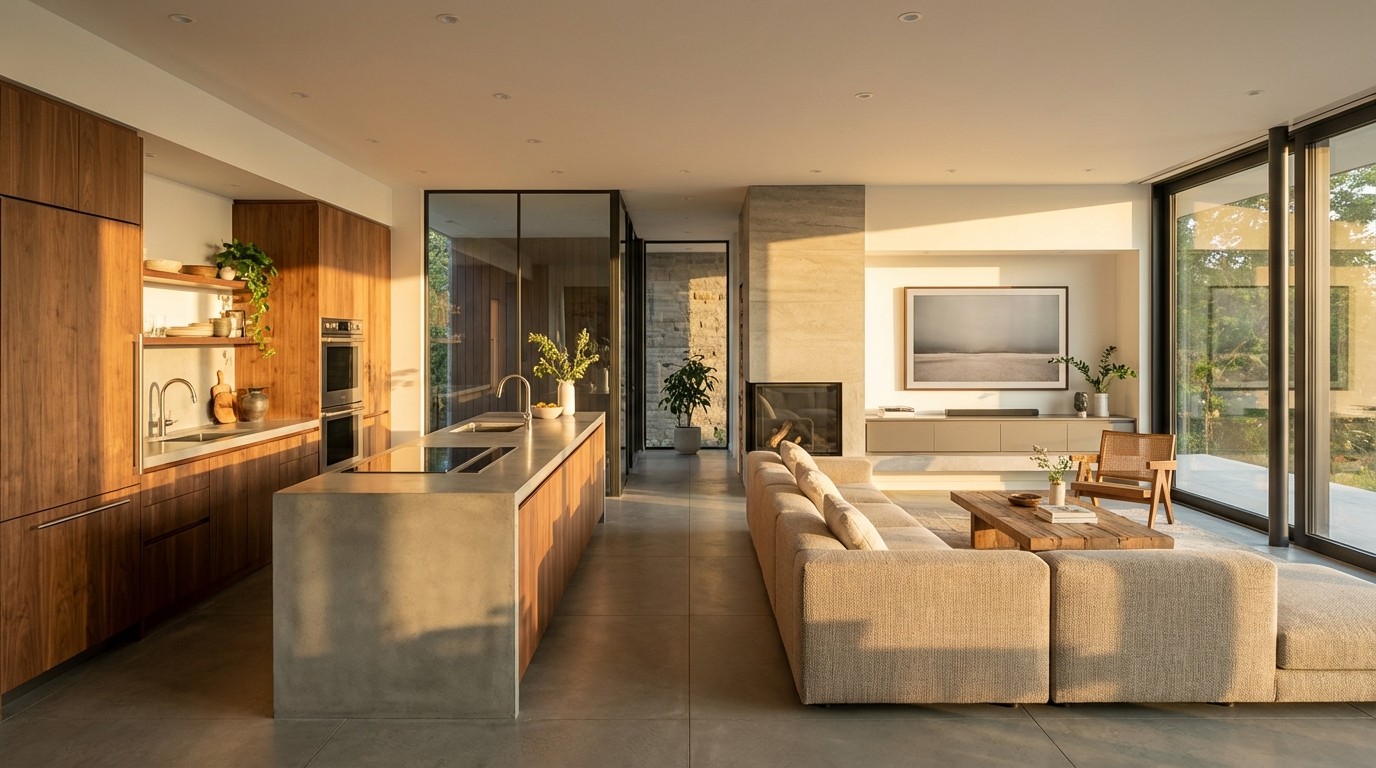
The presentation quality of listing materials directly affects buyer perception. AI-generated visuals bridge the gap between empty rooms and furnished spaces, helping buyers see possibilities without physical staging costs.
What AI still can't do
AI building design tools have real constraints, and understanding them upfront prevents frustration.
Not construction-ready output
AI-generated floor plans are excellent for exploration and planning conversations, but they are not construction documents. A licensed architect or structural engineer needs to review any layout before permitting or building. Local building codes, structural loads, and zoning requirements are outside what current AI tools handle.
Residential focus only (for now)
Most AI floor plan generators are optimized for residential layouts. If you need commercial spaces (offices, retail, medical facilities, hotels), options are extremely limited. This is a common frustration for contractors who handle both residential and commercial projects.
International gaps
Features like automated lot lookup and zoning data typically only work in the US. International users can still use the design tools, but they'll need to input lot dimensions manually rather than relying on address-based automation.
Quality depends on input quality
Vague inputs produce generic outputs. "A nice 3-bedroom house" gives you something unremarkable. "3-bedroom, 2-bath ranch, 1,800 sq ft, open kitchen with island, attached 2-car garage, lots of natural light" gives you something much closer to what you're imagining. There's a learning curve to describing requirements effectively.
Multi-story limitations
Support for basements and 3+ floor layouts varies between platforms. If your project involves multiple levels, verify that the tool supports it before subscribing.
The bottom line: exploration tool, not replacement
AI doesn't replace architects, contractors, or the expertise that goes into building a home. What it does is remove the bottleneck in the exploration phase. Ideas that used to cost thousands of dollars and weeks of waiting to visualize now cost minutes.
The professionals we've spoken with describe the same shift: they spend less time on preliminary layouts and more time on the detailed work that actually requires their expertise. Their clients arrive better prepared. Decisions happen faster. Projects move forward with fewer expensive mid-course corrections.
If you want to see what this looks like in practice, our AI floor plan generator guide walks through the tools and workflow step by step. For a broader look at the different types of AI design software available, see what AI home design software actually does.
Maket brings floor plan generation, editing, and visualization into one workspace. Try it free and see how it fits your project.
FAQs about AI in building design
How much can AI reduce building design costs?
Traditional architectural renderings cost around $5,000 per sheet, with most projects needing 10 to 15 sheets. AI tools offer unlimited generation for under $200/month, representing a cost reduction of over 90%. The savings are most significant during the early exploration and rendering phases.
Does AI replace architects in building design?
No. AI handles early-stage exploration and rapid iteration, but licensed professionals are still essential for construction documents, code compliance, and structural engineering. The technology changes when architects get involved, not whether they're needed.
How fast can AI generate a floor plan?
Most AI floor plan generators produce layout options in minutes. A homeowner or contractor can generate, compare, and refine dozens of configurations in a single afternoon, compared to the days or weeks required for traditional drafting.
Can contractors use AI for client presentations?
Yes. Contractors use AI-generated floor plans and rendered visualizations during client meetings to show options in real time. This accelerates the approval process and reduces the back-and-forth that typically delays projects by weeks or months.
What types of projects work best with AI building design?
Residential projects (custom homes, renovations, additions) see the strongest results. Commercial spaces are not well supported by most platforms yet. AI is most valuable during early planning when you're exploring possibilities, not during the final construction documentation phase.
Is AI building design accurate enough for real projects?
AI-generated layouts include accurate room dimensions suitable for planning conversations and client presentations. However, they should be reviewed by a licensed professional before construction. Think of AI output as a detailed starting point, not a finished blueprint.
What is the best AI tool for building design?
It depends on your goals. For residential building design with AI-generated floor plans, text-based editing, and 3D visualization, Maket is purpose-built for both homeowners and professionals working on early concepts. For BIM workflows or commercial projects, look at Snaptrude or TestFit. For scanning existing buildings, CubiCasa is purpose-built. Match the tool to your project type and stage.
Can AI generate 3D renderings of buildings?
Yes. Most modern AI building design platforms generate 3D views automatically from your 2D floor plan, allowing you to walk through the space, test materials and finishes, and visualize the design before construction. Rendering quality varies between tools, with some offering photorealistic outputs ideal for client presentations and others focused on quick visual references for early-stage exploration.