AI RENDERING

Most AI rendering tools start from a photo and invent a room. Maket starts from your plan, so the window is where the window is and the sofa is the one you placed. Architectural rendering used to mean a brief, a wait and an invoice; here it is your plan, rendered in minutes. Change the plan and render again.
Pick a view
Any room, any angle, from the 3D model.
Pick a style
Scandinavian, Japandi, mid-century and more, or your own reference images on Pro.
Render
Ten credits a render. Run several from the same view.
Iterate
Edit after rendering and render again. Your first idea doesn’t have to be your final one.
Rendered floor plans, true to the plan
Walls, openings and furniture where you put them. Interior rendering of any room, house rendering of the whole plan.
A style library
Scandinavian, Japandi, mid-century and more in a click. Your own references on Pro.
Are the renders of my actual plan?
Yes. They are generated from your plan, furniture and finishes, not from a template or a stock photo.
How much does a render cost?
Ten credits. The Free plan's 30 credits cover three renders; Homeowner's 300 cover thirty.
Which styles are there?
Scandinavian, Japandi, mid-century and more, and on Pro your own reference images.
Can I edit after rendering?
Yes. Change the plan, the furniture or the finishes and render again.
Can I download the render?
Downloads are included on paid plans. Every plan can share by link.
Is this architectural rendering software?
It renders your own plan, furniture and finishes photoreal, in the style you choose. Ten credits a render, no brief and no queue.
Can I use it for virtual staging?
Yes. Furnish the plan, render each room in the style that sells, and export the images for the listing.
Do you offer 3D floor plan rendering services?
No service and no queue. Render it yourself in minutes, as many versions as you like, from the plan you already have.
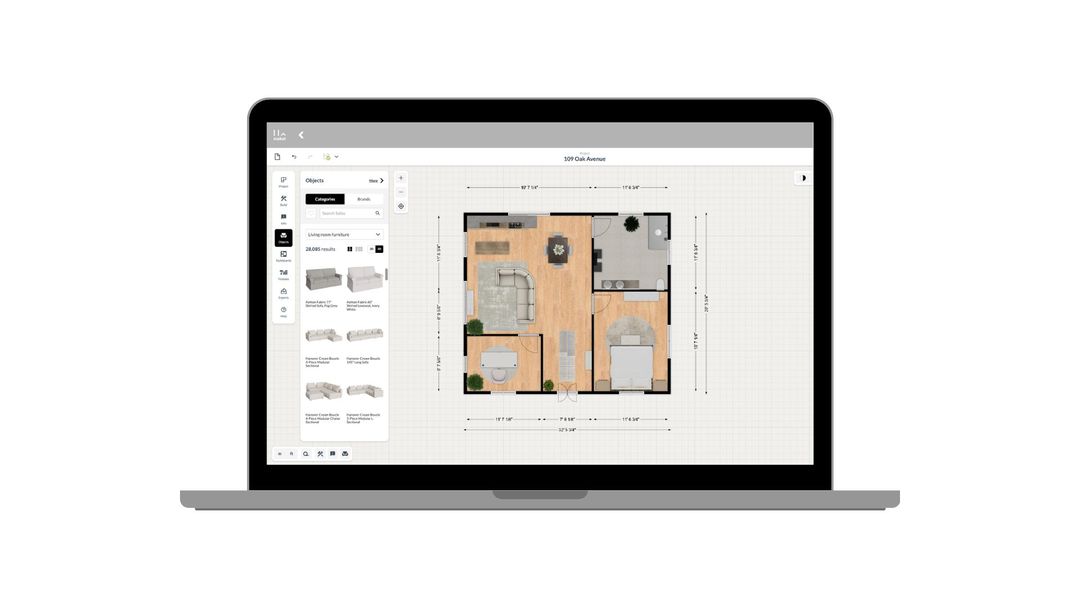
How to use Maket as an Interior Designer
Upload plans. Edit with precision. Visualize in 3D. A step-by-step guide to using Maket to impress clients and streamline your workflow.
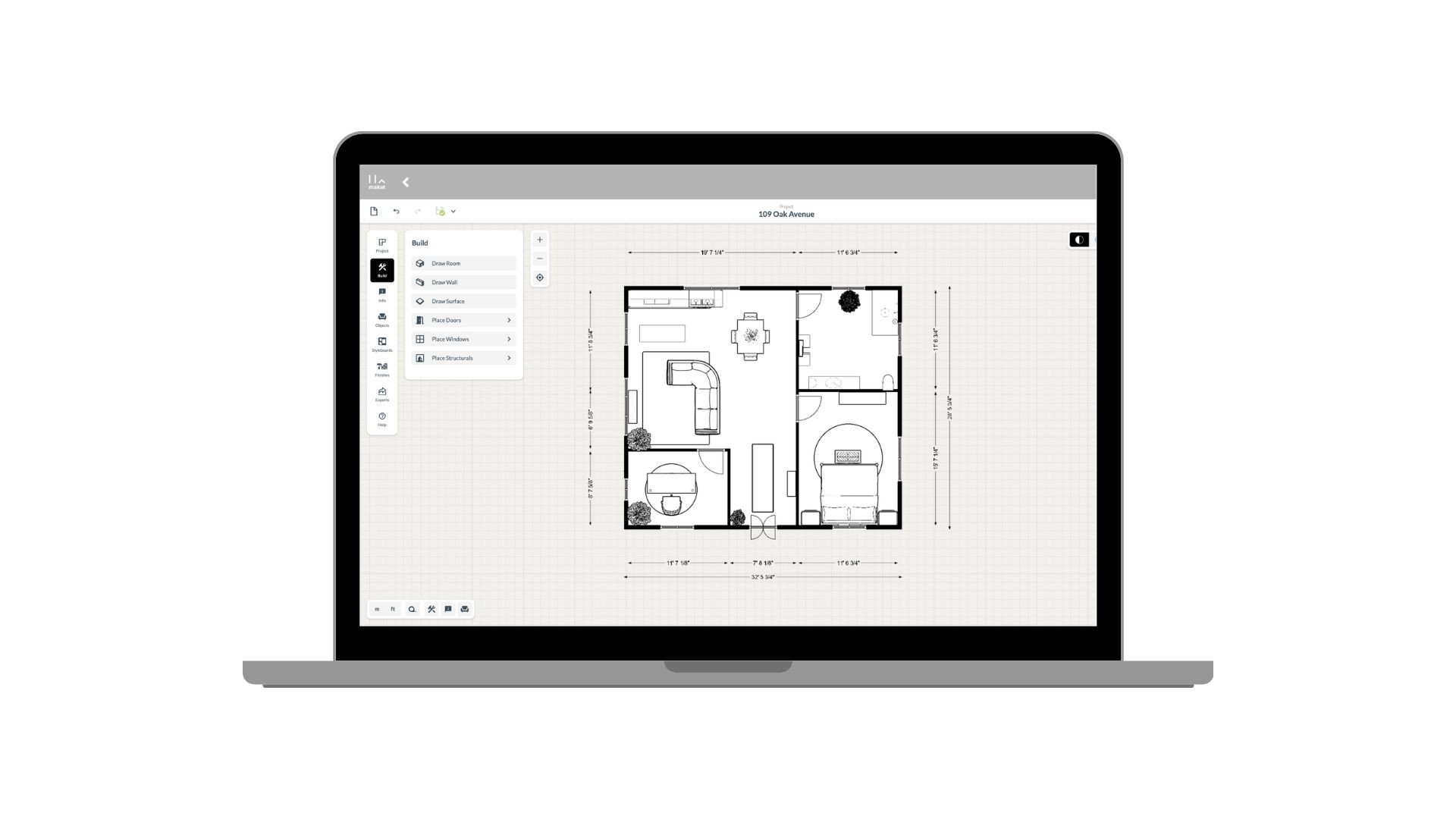
How to use Maket as an Architect
Generate plans. Edit with precision. Present in 3D. See how Maket helps architects take on more projects without sacrificing quality.
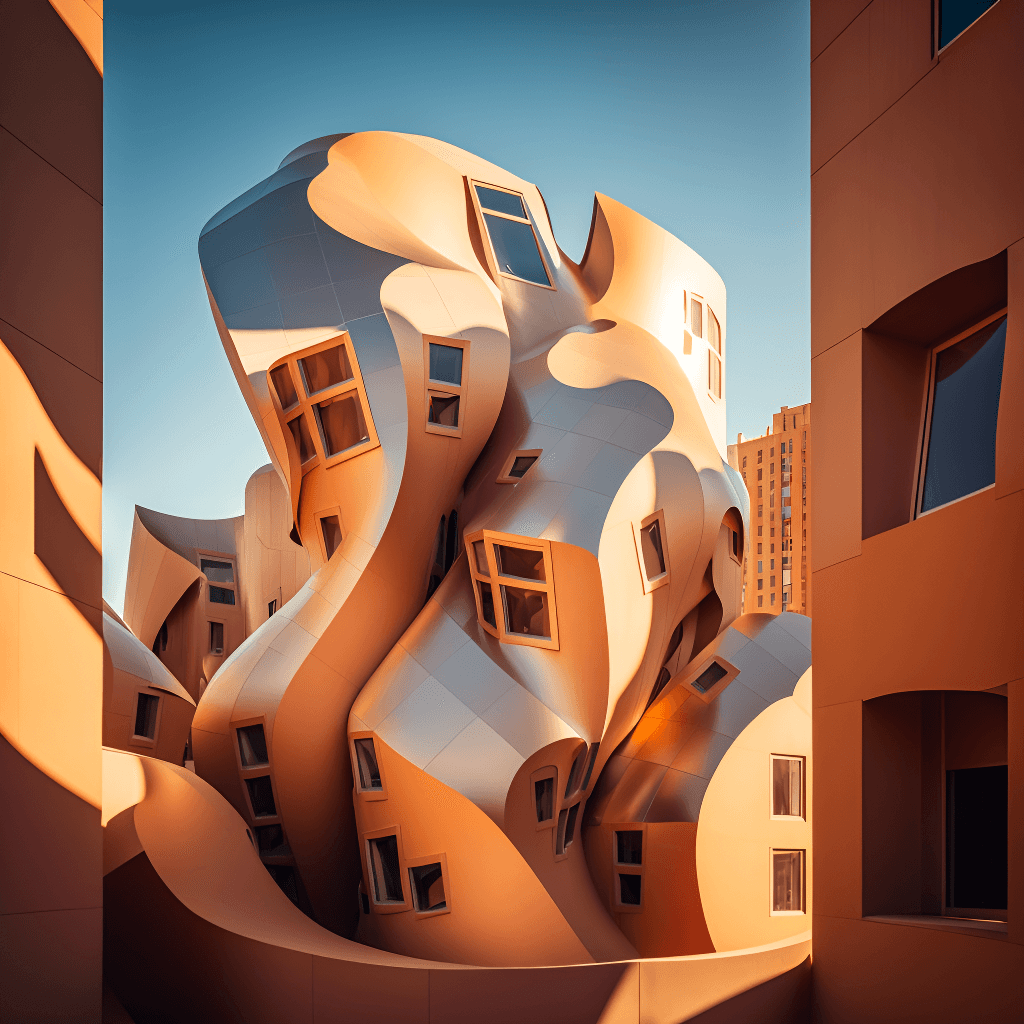
Create Renders Using AI
ChatGPT is a language generation tool that architects can use to communicate and collaborate more effectively with clients, contractors, and stakeholders.
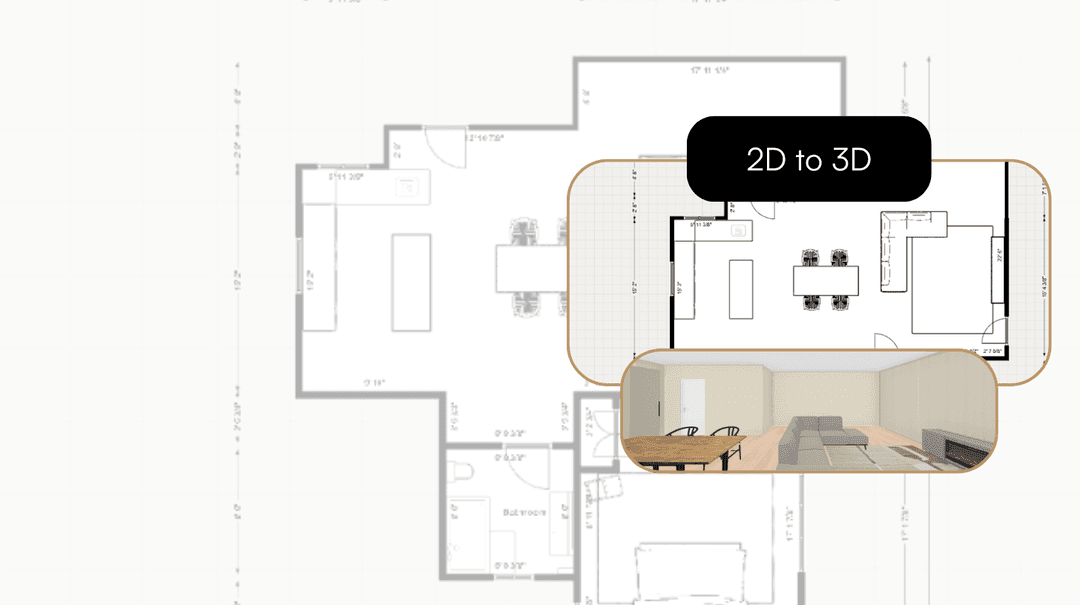
Take your Residential Plans from 2D to 3D Instantly
One click. Fully immersive 3D. Transform flat floorplans into realistic models and see your spaces come to life.
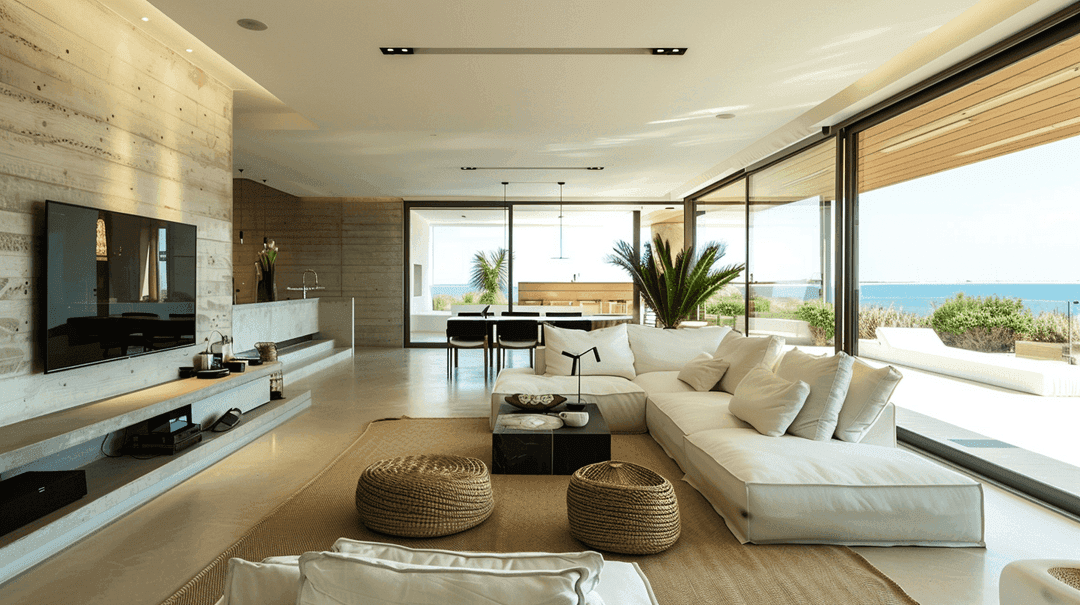
How AI is Simplifying the Lives of Interior Designers
A tool that gets your style, sparks ideas, and brings concepts to life. That's what AI offers designers today.
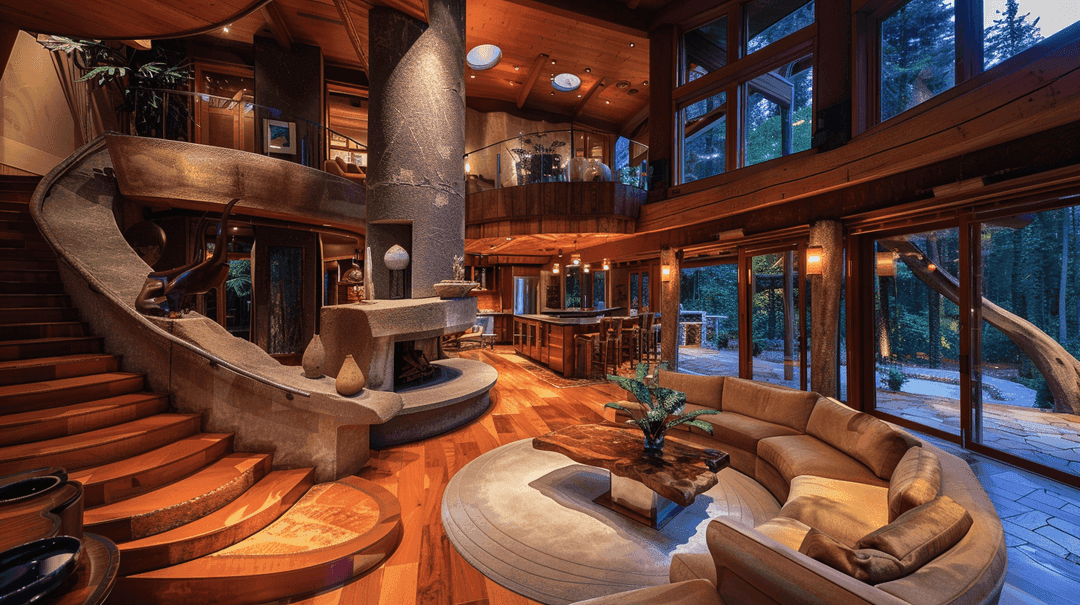
How to Enhance Client Satisfaction Through Custom Designs
Happy clients come back and refer others. Custom home designs show clients you understand their vision and value their needs.
Pick a view and a style and see your home in photoreal light. Free to start.
Get started for free
30 free credits. No card required.