EXISTING FLOOR PLANS
Maket traces the drawing into real walls and rooms, to scale, so the plan behaves like one you drew in Maket. On Homeowner the upload is AI-assisted and you check it. On Pro a person validates it against your original, delivered within a few hours.
Upload
PDF, JPG or PNG, including a photo of a paper plan.
Set the scale
Confirm one dimension you know and everything else follows.
Check the rooms
Walls, doors and rooms come through as objects. Fix anything by hand.
Work on it
Change the layout, furnish it, see it in 3D, export DXF or PDF.
Editable, not traced
Move a wall and the rooms update, because the plan is rebuilt, not overlaid.
Two levels of accuracy
AI-assisted on Homeowner. Human-validated on Pro: up to five uploads a month, delivered within a few hours.
DXF for CAD
Export the converted plan as DXF for AutoCAD and most CAD tools, or PDF for everyone else.
What files can I upload?
PDF, JPG and PNG. A clear photo of a paper plan works too.
Can I convert a PDF to DWG or CAD?
Yes. Upload the PDF, Maket makes it an editable plan, and you export DXF: the exchange format AutoCAD and most CAD tools open and can save as DWG.
How accurate is the conversion?
On Homeowner the AI traces the plan as a starting point you review and edit. On Pro, uploads are reviewed by Maket's team to reproduce the dimensions and placement of rooms, doors and windows from your original, delivered within a few hours.
Does uploading use credits?
Yes. Uploading a floor plan uses 20 credits, the same as generating one. Homeowner includes one AI-assisted upload; Pro includes up to five human-validated uploads a month.
Can I upload on the Free plan?
Uploads are a paid-plan feature. Free accounts can generate and draw plans and share them by link.
What if the plan has several floors?
Upload each floor and work with them in one project on paid plans.
Can I convert a JPG or image to DWG?
Yes. Upload the JPG or PNG, check the rooms Maket traced, and export DXF for AutoCAD or any CAD tool.
Can I convert an image to a floor plan?
Yes. Upload a JPG or PNG and Maket traces it into an editable plan with walls, doors and rooms. Uploads are a paid-plan feature; an upload uses 20 credits, like generating a plan.
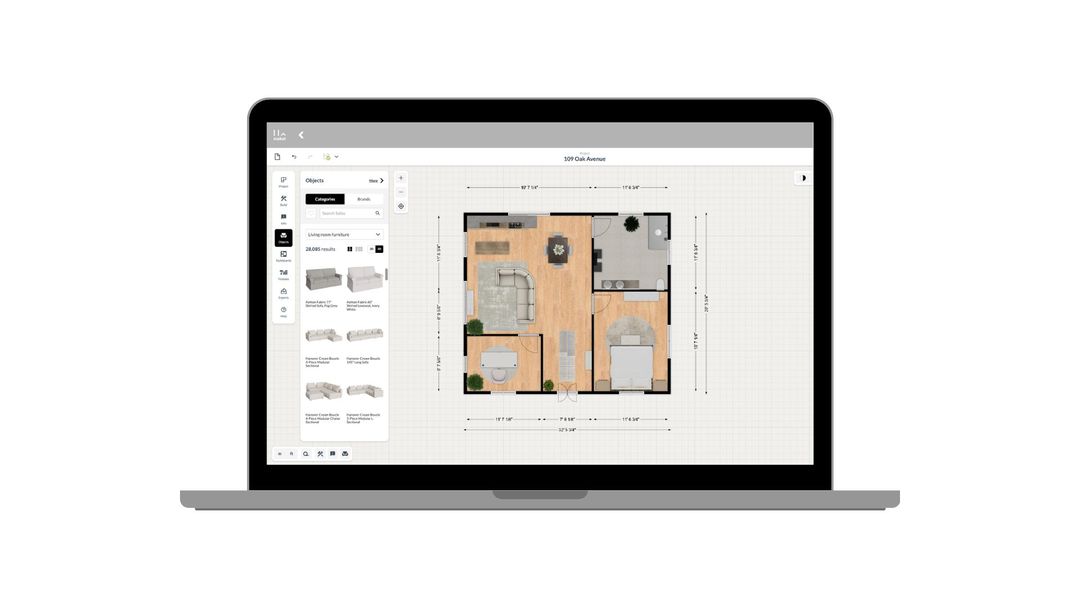
How to use Maket as an Interior Designer
Upload plans. Edit with precision. Visualize in 3D. A step-by-step guide to using Maket to impress clients and streamline your workflow.
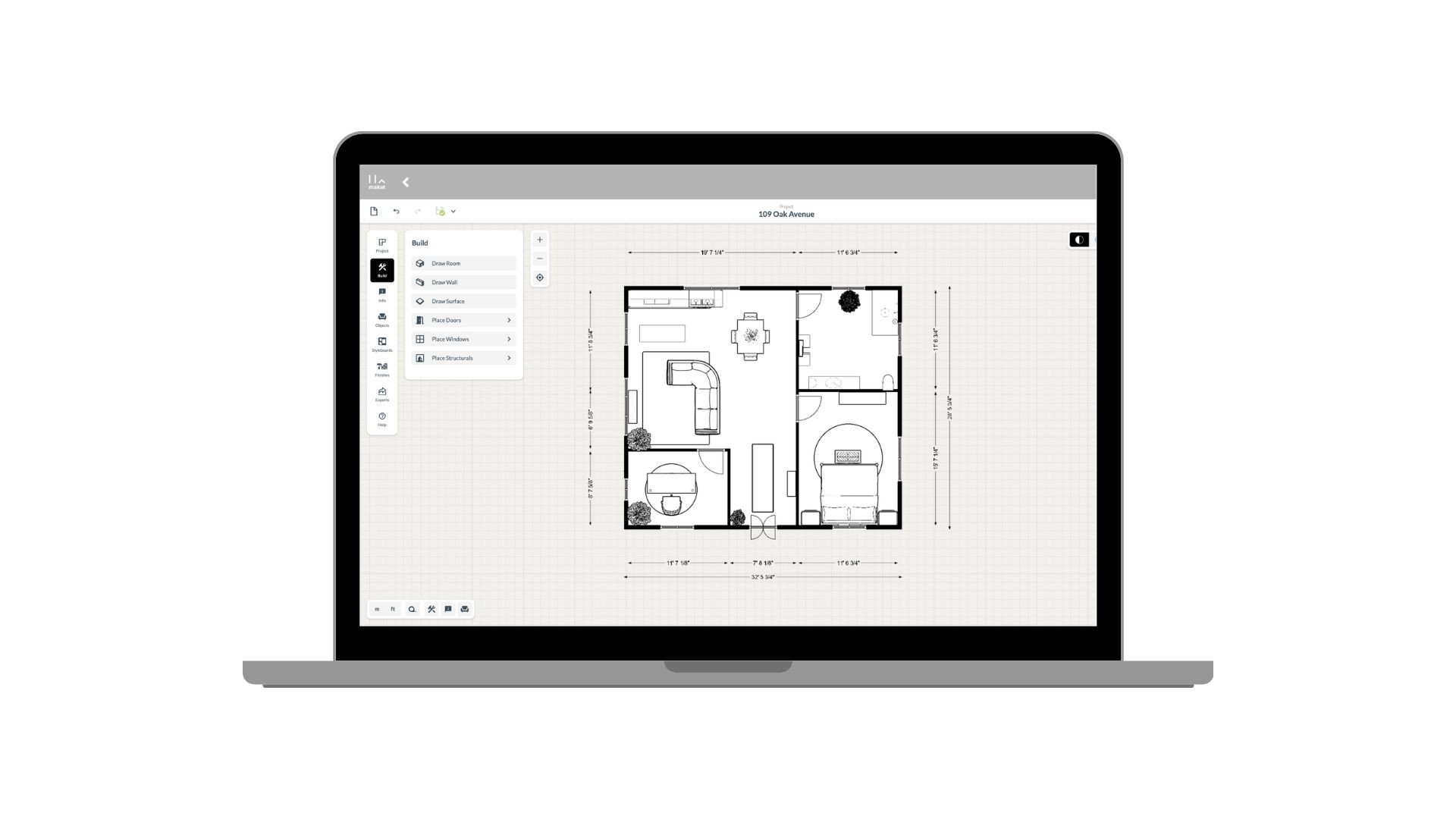
How to use Maket as an Architect
Generate plans. Edit with precision. Present in 3D. See how Maket helps architects take on more projects without sacrificing quality.
Create Renders Using AI
ChatGPT is a language generation tool that architects can use to communicate and collaborate more effectively with clients, contractors, and stakeholders.
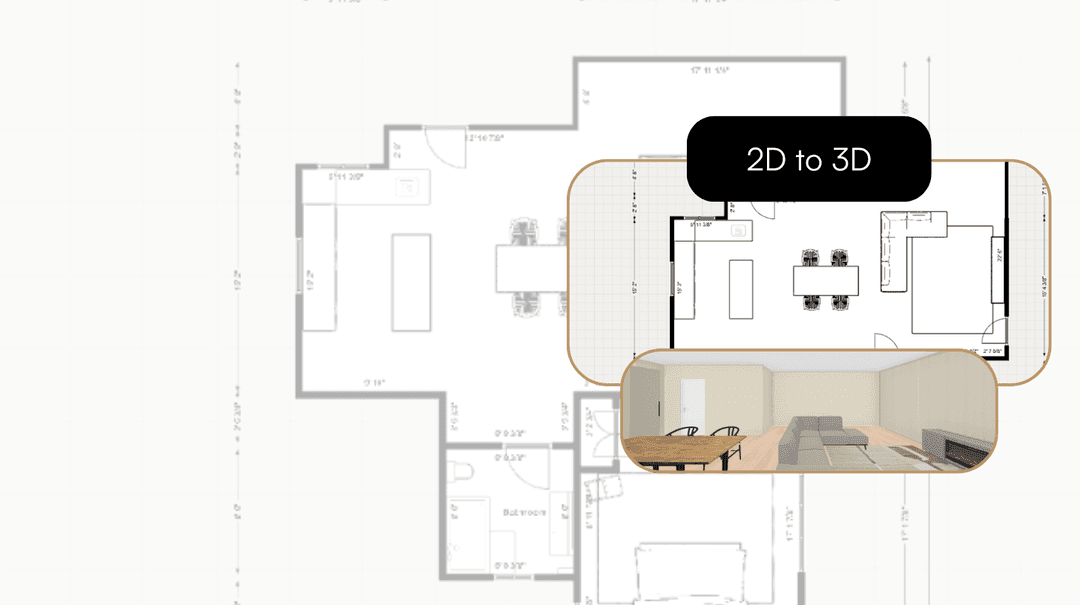
Take your Residential Plans from 2D to 3D Instantly
One click. Fully immersive 3D. Transform flat floorplans into realistic models and see your spaces come to life.
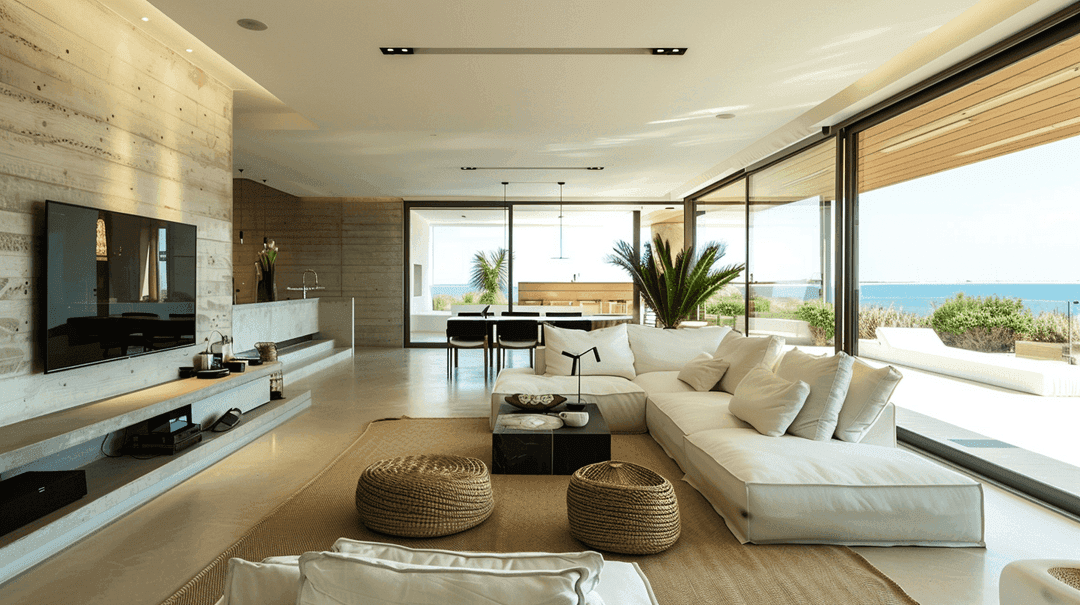
How AI is Simplifying the Lives of Interior Designers
A tool that gets your style, sparks ideas, and brings concepts to life. That's what AI offers designers today.
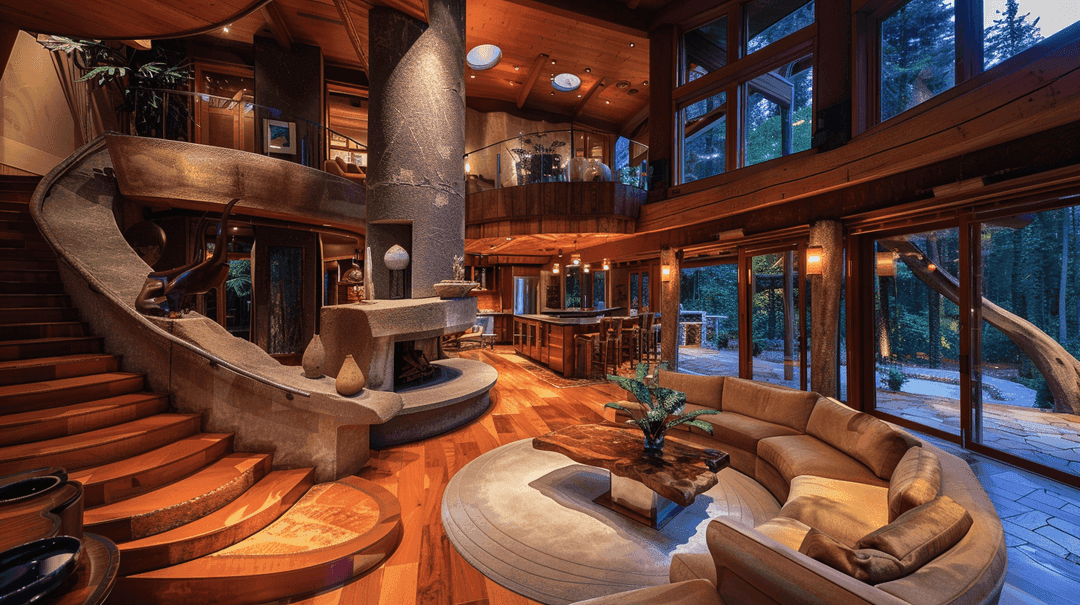
How to Enhance Client Satisfaction Through Custom Designs
Happy clients come back and refer others. Custom home designs show clients you understand their vision and value their needs.
Upload a PDF or a photo and start changing it in minutes.
Get started for free
30 free credits. No card required.