FLOORPLAN STUDIO
The drawing and editing half of Maket, a free online floor plan creator that runs in the browser. A simple floor plan maker for people who have never drawn a plan, and an editor that stays out of the way of people who have. Everything the generator makes lands here, and everything you draw here can be handed back to the AI. One plan, two ways to work on it.
Set the footprint
Choose a shape and a size, or draw your own outline.
Draw the rooms
Walls snap to the grid. Doors and windows sit in the walls they belong to. Rooms show their area as you close them.
Furnish it
Drop in furniture from the library or your own pieces, at real sizes.
Check it in 3D
Flip to 3D at any point, then export PDF or DXF when it is right.
Draw to scale
A room planner with dimensions: draw a single room or the whole floor, to the numbers you have. Grid snapping, the length of every wall, the area of every room.
Nothing to install
The floor plan editor is free: drawing and hand edits never use credits. Runs in the browser; share a link free, export PDF and DXF on paid plans.
Is the floor plan creator free?
Yes. Drawing and editing by hand do not use credits, and the Free plan includes the editor with 30 credits for AI actions.
Can I draw to exact dimensions?
Yes. Walls snap to the grid, every wall shows its length and every room its area, so you can work to the numbers you have.
Can I start from a plan I already have?
Yes. Upload a PDF, JPG or PNG with the Existing floor plans feature and it opens in the studio as an editable plan. Uploads are a paid-plan feature.
Can the AI help while I draw?
Yes. Ask for a change in plain words at any point, such as adding a bathroom or widening a hallway, then keep editing by hand. AI actions use credits; drawing does not.
What can I export?
PDF and DXF on paid plans. DXF opens in AutoCAD and most CAD tools, so an architect can pick up where you left off.
Do I need CAD experience?
No. The studio is built for people who have never drawn a plan, and it stays out of the way of people who have.
Is there a free room planner for one room?
Yes. Draw a single room with its dimensions, doors and windows, or the whole floor. Drawing and editing by hand never use credits; the Free plan includes the editor and 30 credits for AI actions.
Can I use the floor plan maker without signing up?
You need a free account so your plan is saved and shareable. It takes a minute: 30 credits, no card, and drawing by hand never uses credits.
Can I use Floorplan Studio as a house blueprint maker?
You can draw a complete house plan to scale, with every wall, door and window. It is a design-stage plan, not a stamped blueprint; export the DXF and an architect takes it from there.
How do I draw a floor plan in Maket?
Set the footprint, draw the walls (they snap to the grid), add doors and windows, label the rooms, then furnish. The length of each wall and the area of each room update as you go.
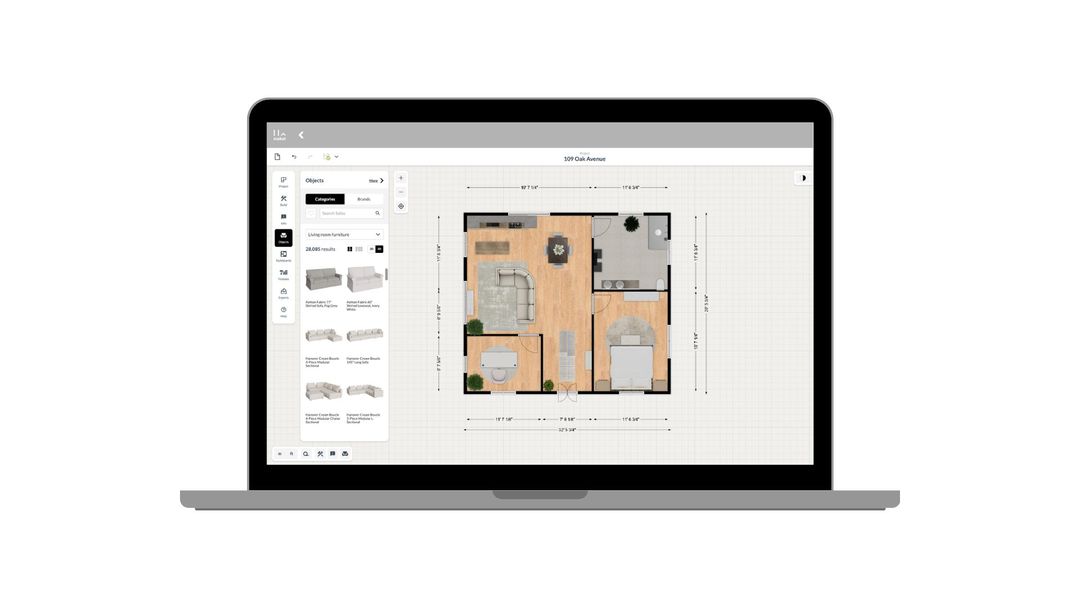
How to use Maket as an Interior Designer
Upload plans. Edit with precision. Visualize in 3D. A step-by-step guide to using Maket to impress clients and streamline your workflow.
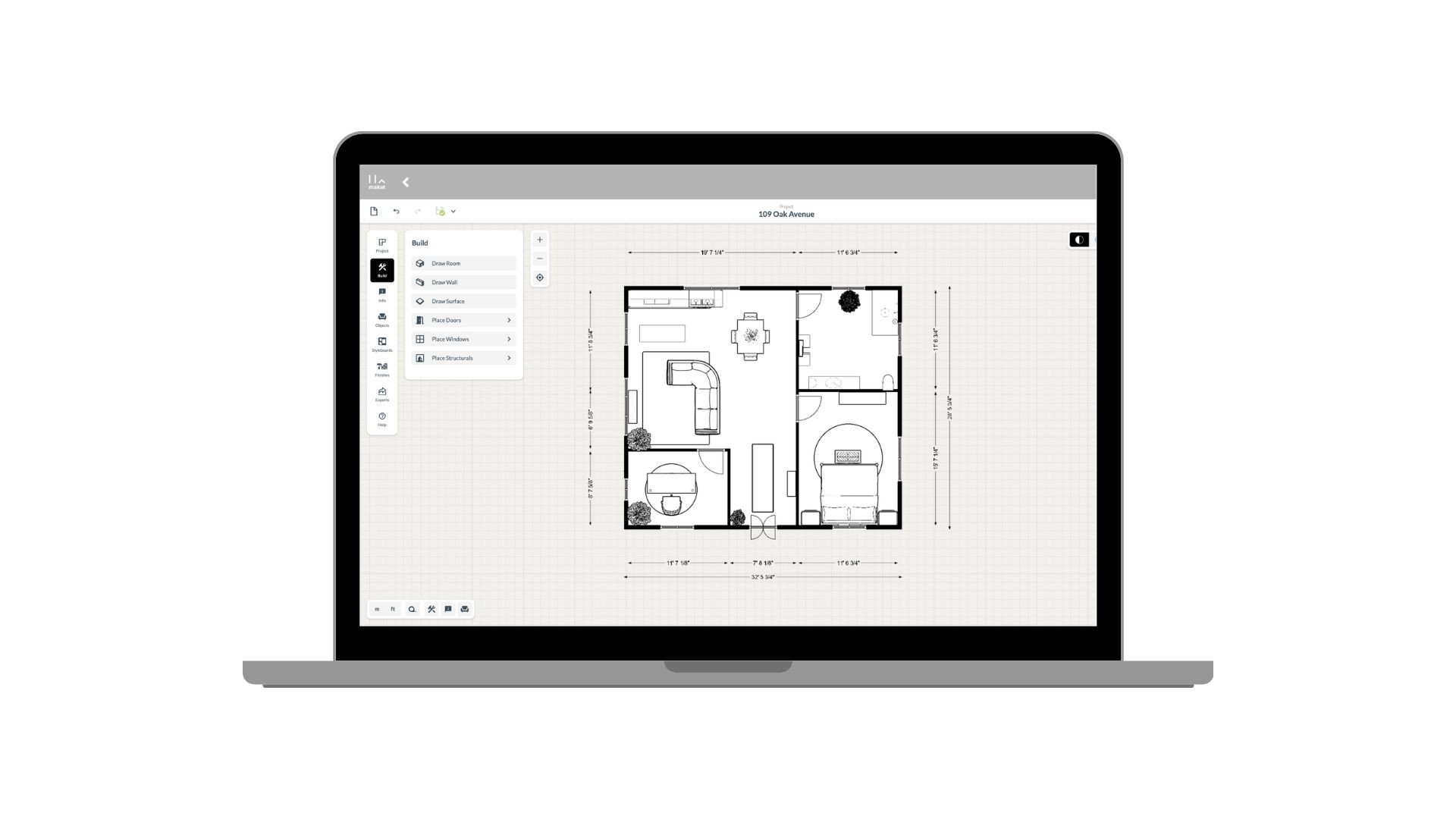
How to use Maket as an Architect
Generate plans. Edit with precision. Present in 3D. See how Maket helps architects take on more projects without sacrificing quality.
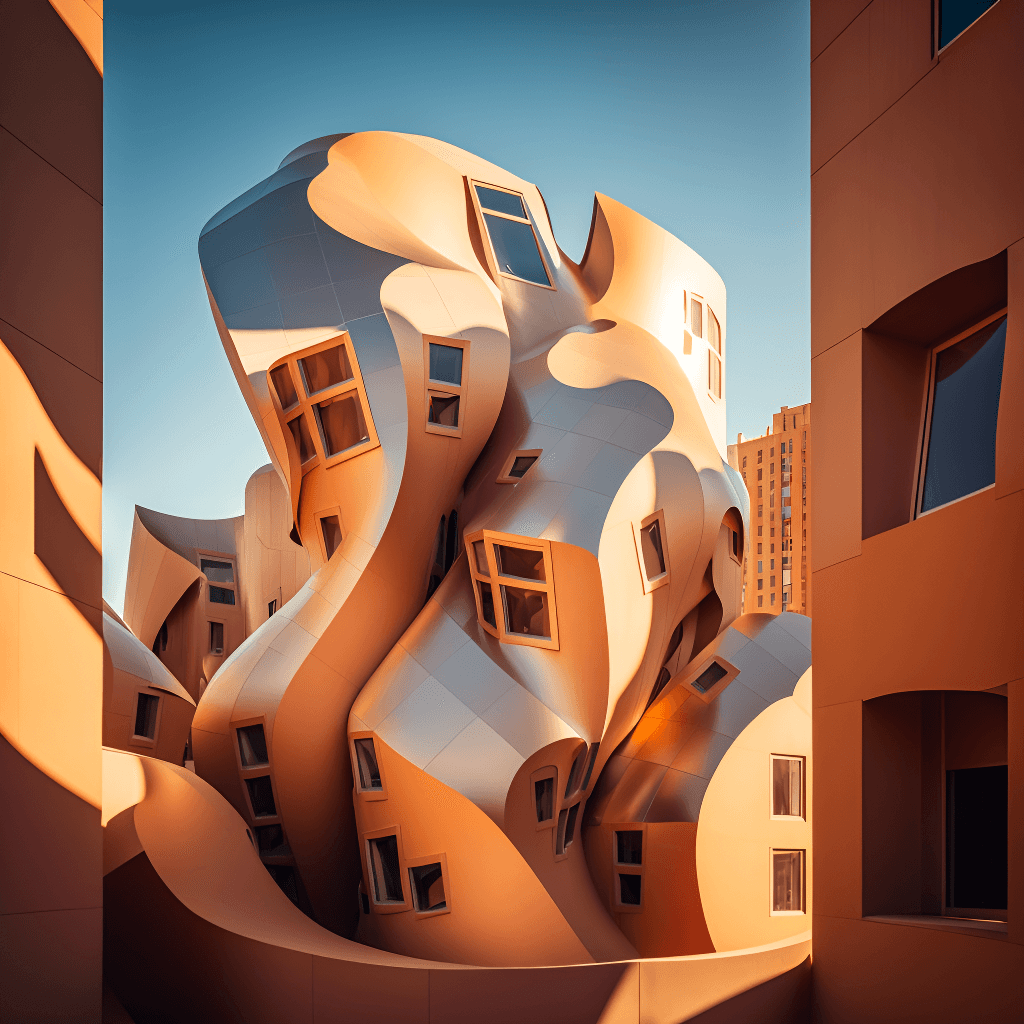
Create Renders Using AI
ChatGPT is a language generation tool that architects can use to communicate and collaborate more effectively with clients, contractors, and stakeholders.
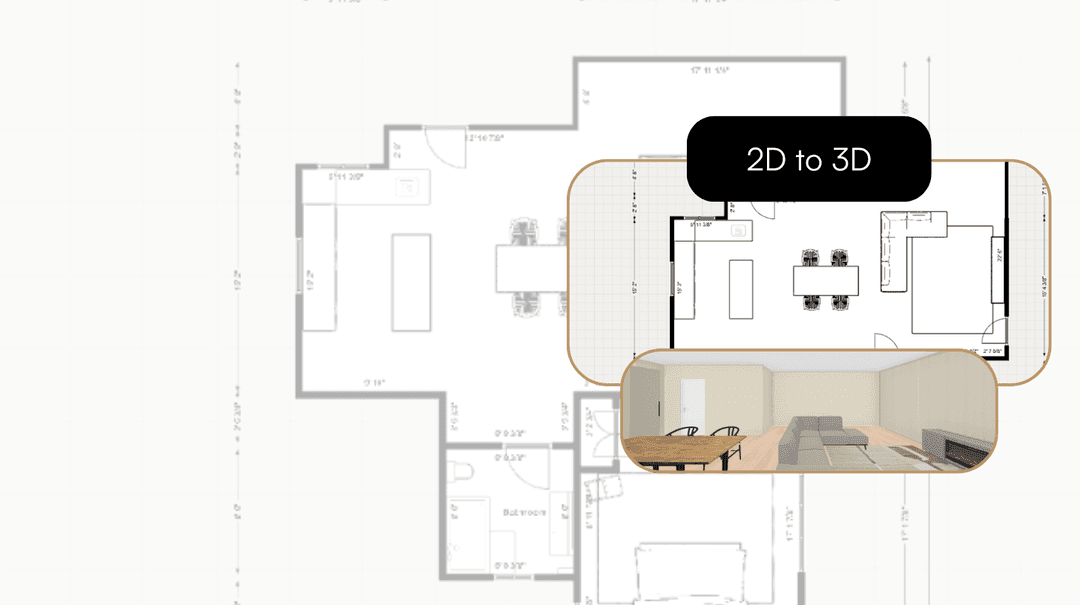
Take your Residential Plans from 2D to 3D Instantly
One click. Fully immersive 3D. Transform flat floorplans into realistic models and see your spaces come to life.
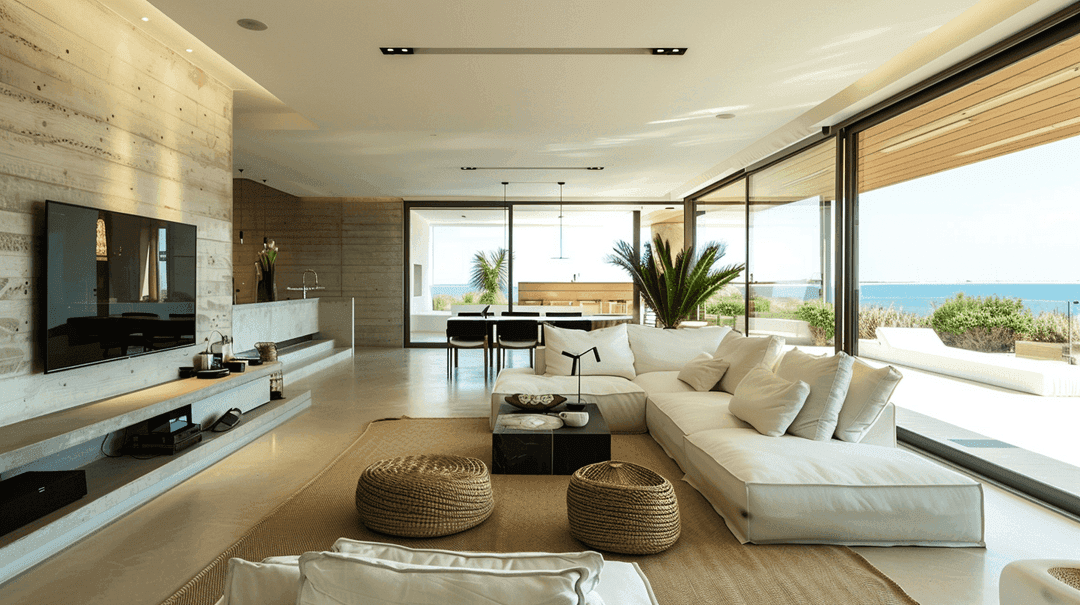
How AI is Simplifying the Lives of Interior Designers
A tool that gets your style, sparks ideas, and brings concepts to life. That's what AI offers designers today.
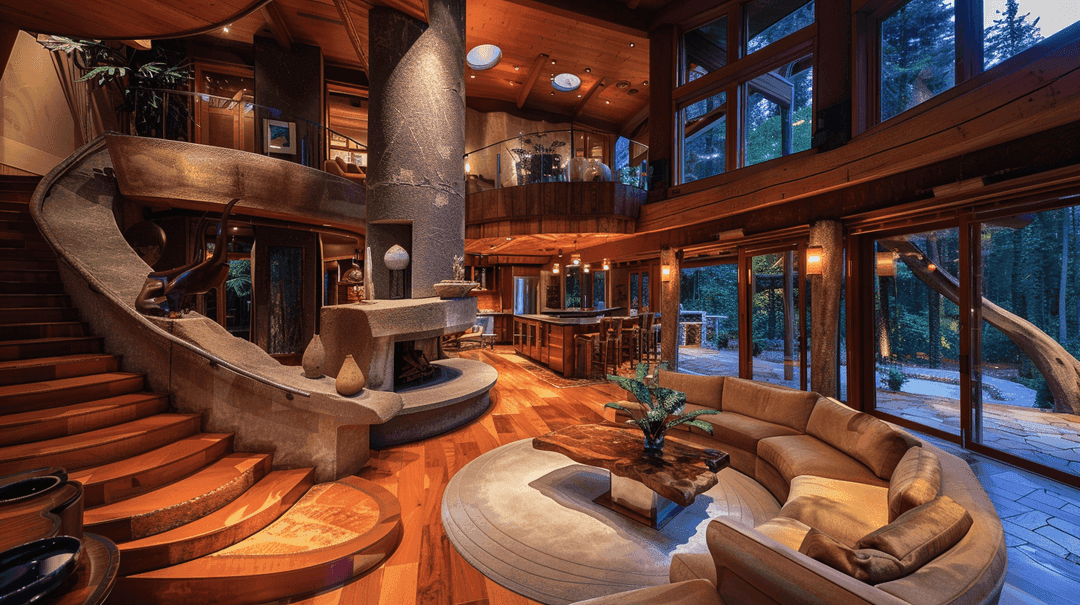
How to Enhance Client Satisfaction Through Custom Designs
Happy clients come back and refer others. Custom home designs show clients you understand their vision and value their needs.
Open the studio, set a footprint and start placing walls. Free to start, no card.
Get started for free
30 free credits. No card required.