FOR ARCHITECTS

Software for architects who want the first draft in minutes and the DXF in their own tools. Maket drafts a concept plan from a written brief, redraws an existing plan from a PDF or a photo, and keeps everything editable on one canvas. Think of it as an AI architecture generator for the first conversation, not a replacement for the drawing set: outputs are design-stage, and the DXF is where your own software takes over.
Brief it
Type the brief: rooms, sizes, adjacencies, what the site allows. A plan with walls and dimensions lands in two to three minutes.
Or bring the plan
Upload the client’s PDF or a sketch and the AI redraws it to scale. On Pro, a human-validated version comes back within a few hours.
Work the options
Move walls, try a second layout, ask for a change in plain words, then keep editing by hand.
Hand it over
Export DXF for your CAD, a PDF for the client and a render for the meeting.
DXF out
Every plan exports as DXF, so the first draft lands in your own tools as editable linework.
Validated uploads
Pro includes up to five human-validated uploads a month, back within a few hours.
Renders for the meeting
Photoreal renders of the plan itself, in the styles the client names, in minutes.
Is Maket an AI architect?
No. It drafts concept plans and renders from your brief. The design, the judgement and the drawing set stay with you: outputs are design-stage, not construction documents.
What is AI in architecture good for today?
The first conversation. Describe the brief and get a plan with walls and dimensions in two to three minutes, then test options before anyone opens a CAD file.
Can I start from a client's existing plan?
Yes. Upload a PDF or a photo and the AI redraws it to scale. Pro includes up to five human-validated uploads a month, delivered within a few hours.
What can I export?
DXF and PDF on paid plans, plus renders. The DXF opens in your CAD software as editable linework.
Does it handle more than one floor?
Yes on paid plans. The free plan generates single-floor plans; Homeowner and above add multi-floor.
Is it free to try?
Yes. 30 credits, no card. Generating or uploading a plan uses 20 credits, a render 10. Drawing and hand edits never use credits.
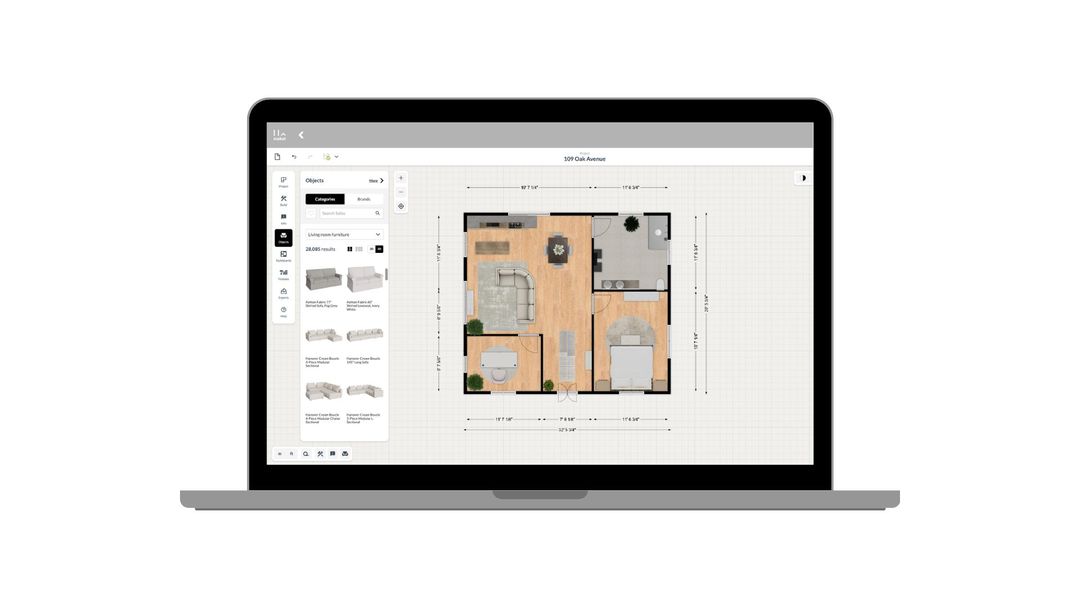
How to use Maket as an Interior Designer
Upload plans. Edit with precision. Visualize in 3D. A step-by-step guide to using Maket to impress clients and streamline your workflow.
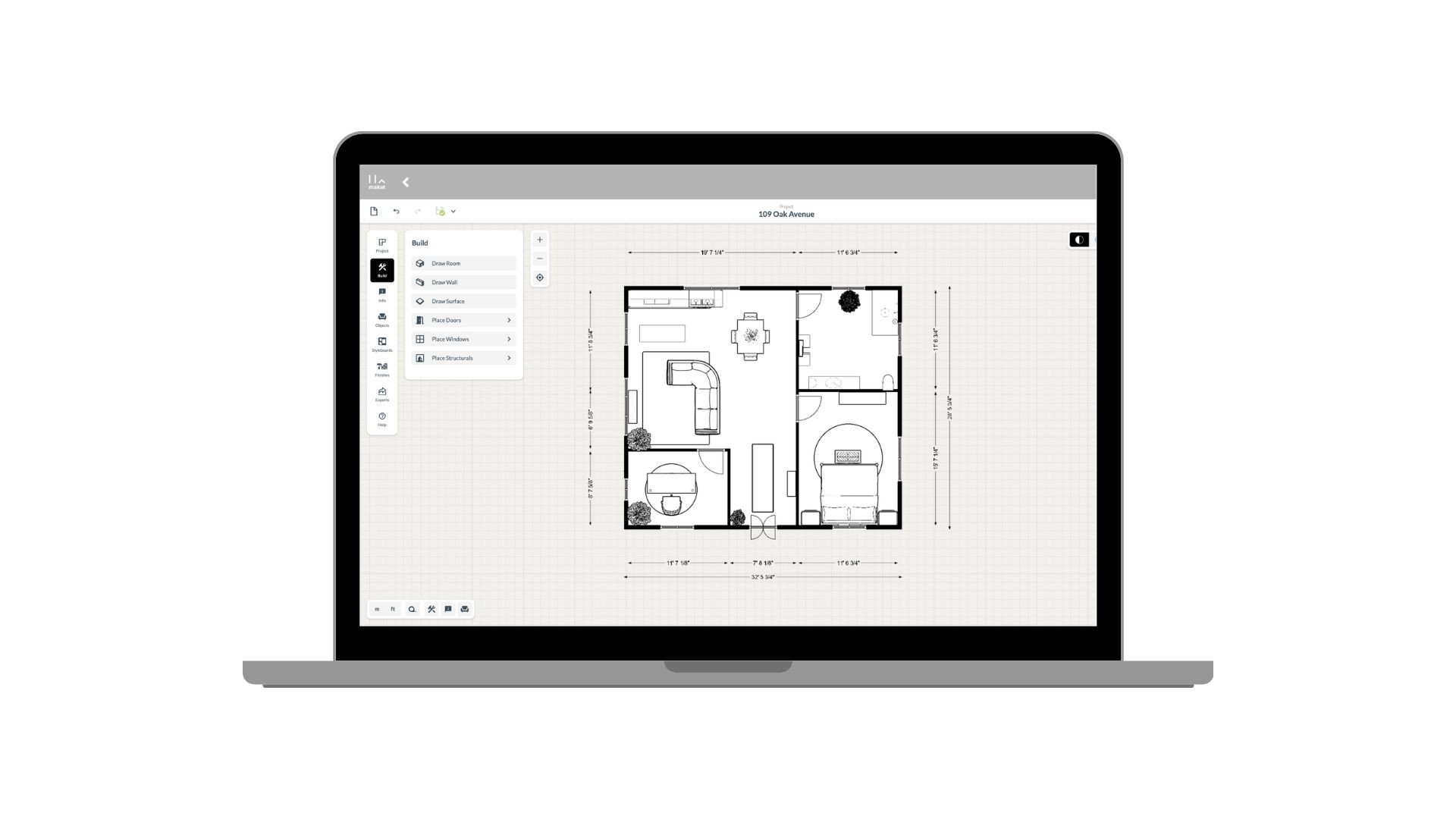
How to use Maket as an Architect
Generate plans. Edit with precision. Present in 3D. See how Maket helps architects take on more projects without sacrificing quality.
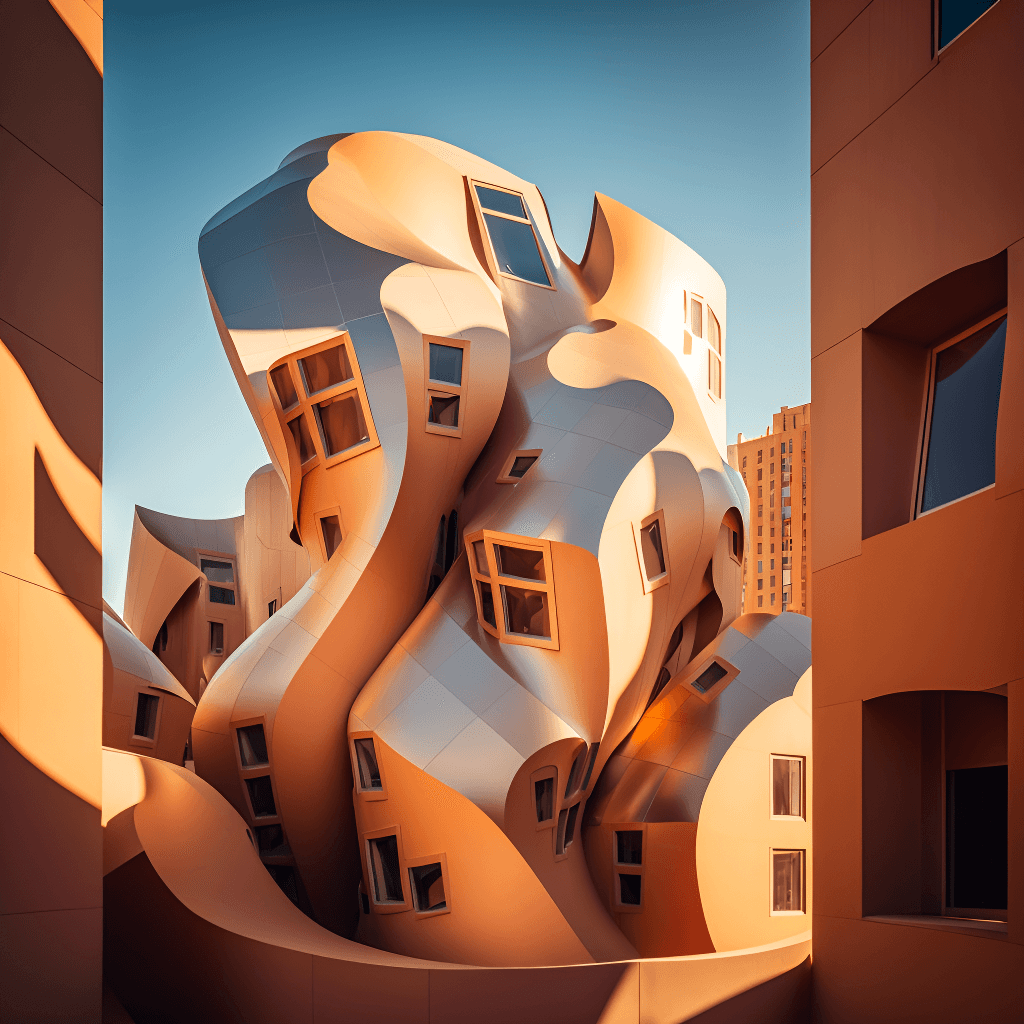
Create Renders Using AI
ChatGPT is a language generation tool that architects can use to communicate and collaborate more effectively with clients, contractors, and stakeholders.
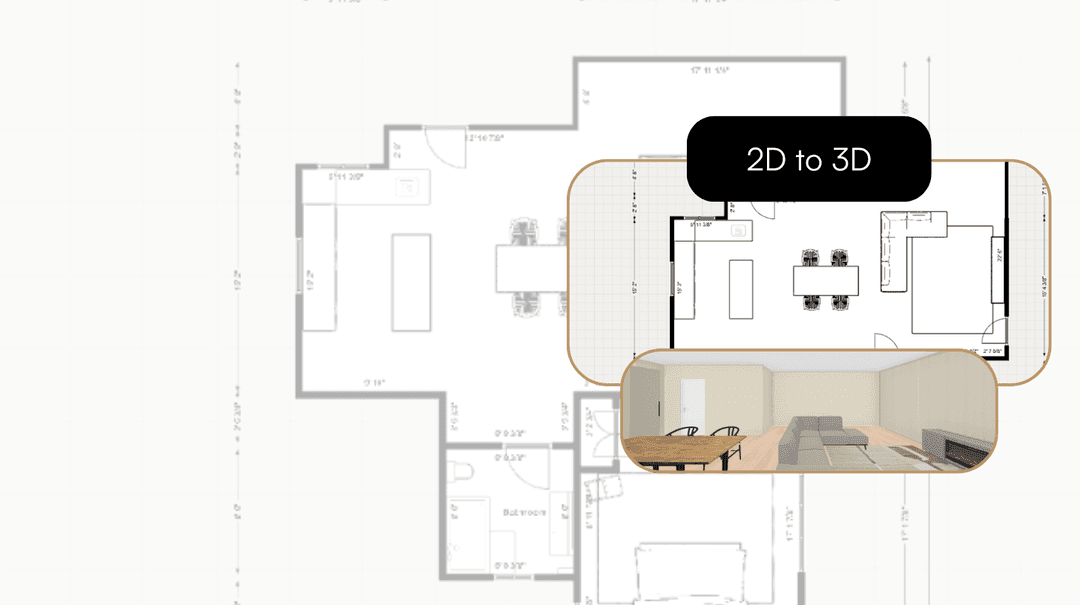
Take your Residential Plans from 2D to 3D Instantly
One click. Fully immersive 3D. Transform flat floorplans into realistic models and see your spaces come to life.
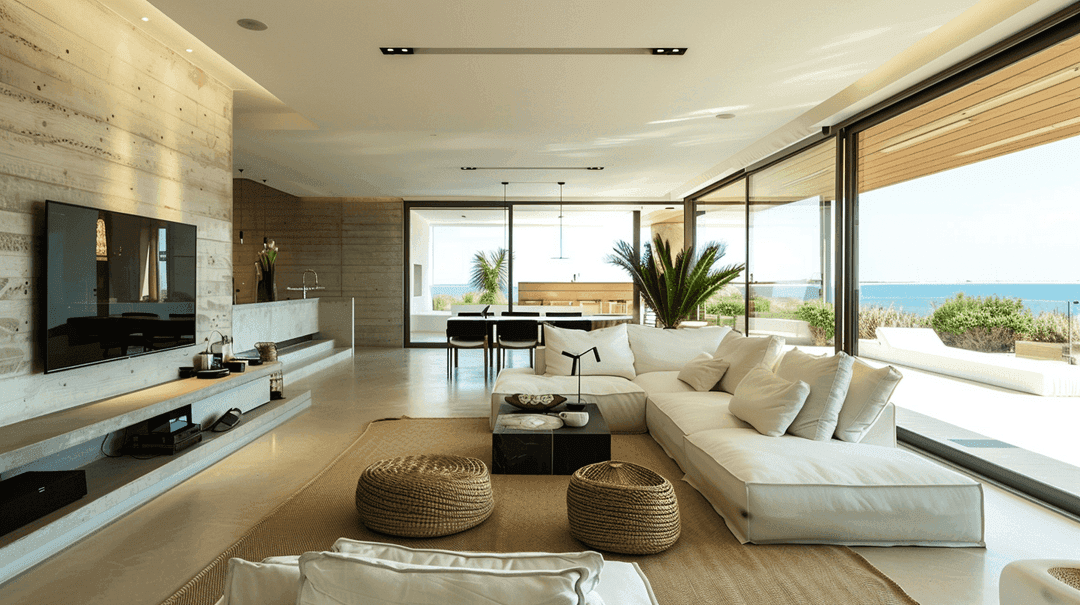
How AI is Simplifying the Lives of Interior Designers
A tool that gets your style, sparks ideas, and brings concepts to life. That's what AI offers designers today.
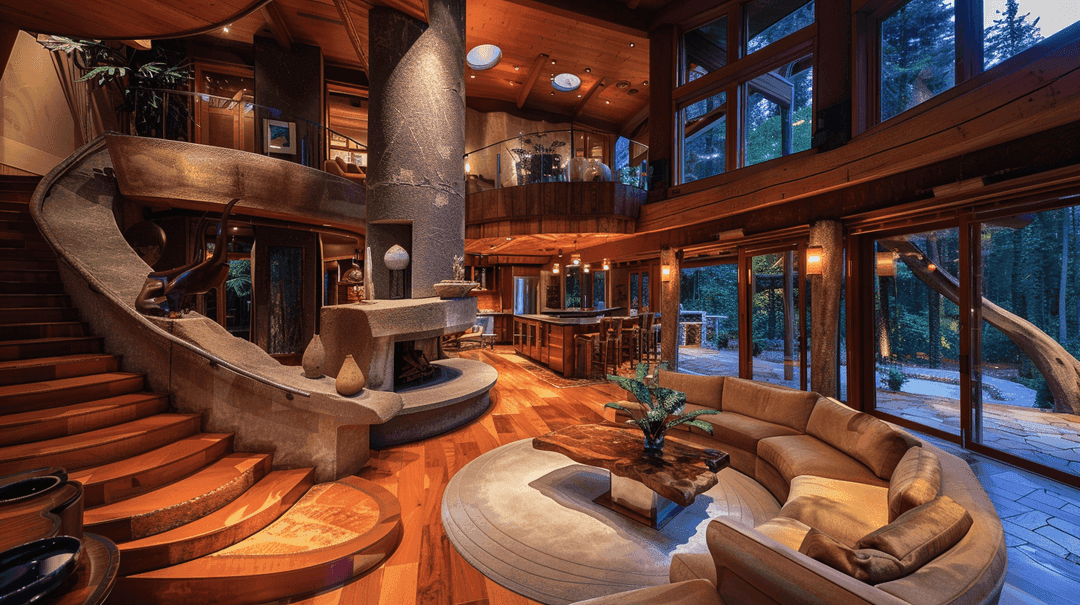
How to Enhance Client Satisfaction Through Custom Designs
Happy clients come back and refer others. Custom home designs show clients you understand their vision and value their needs.
Brief it, or upload the client’s plan. Free to start, no card.
Get started for free
30 free credits. No card required.