HOME RENOVATION
From the home you have to the one you’ll live in.
Start from your current plan, a photo of it, or a sketch of what you’re thinking.
Start from the home that exists today.
Upload my floor plan
A PDF, photo or scan becomes an editable plan with dimensions. Mark what stays, then change the rest.

Upload my plan
Redraw my home
Recreate the rooms you have with their dimensions, doors and windows, then try the change.

Draw my home
Test it before it is priced.
Move or remove a wall
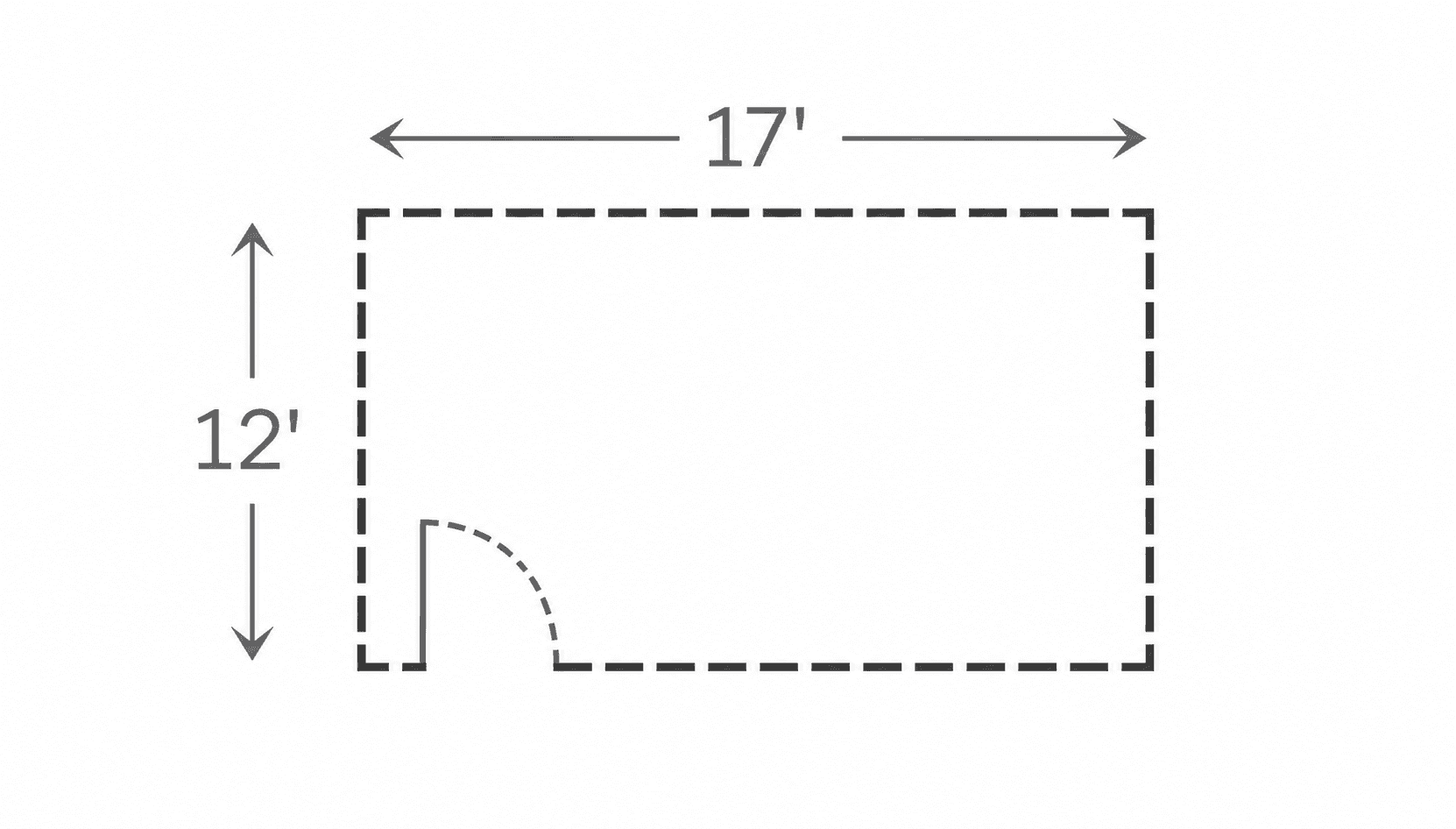
Open the kitchen to the living room, or add a wall for a new room, and see the plan update.
Try a change
Add rooms or a floor
Extend the footprint, add a half bath or a suite, or add a floor on a paid plan, and check it in 3D.

Plan an addition
Want to know how an AI floor plan generator works?
See how AI can turn your requirements into a floor plan. Learn more →
An AI remodel planner for the whole home
Use AI to explore the layout, the rooms and the finishes of a renovation together.
Test the layout changes
Compare the plan before and after: an opened wall, a relocated bathroom, a kitchen that moves to the garden side.
Visualize the finishes
See the renovated rooms with new flooring, tiles, cabinets and paint, and compare directions side by side.
See the renovation in 3D
Switch between the 2D plan, a 3D view and a photoreal render to judge the result before the demolition.
Who uses Maket’s renovation planner
Whether you’re opening up one wall or rethinking the whole floor, Maket helps you test the change and share it before the work is quoted.
Frequently asked questions
What is an AI renovation planner?
A planning tool that turns your current floor plan into an editable plan, lets you make the renovation’s changes on it, and renders the result. Maket does this on one canvas, from the upload to the 3D view.
How does AI home remodel planning work in Maket?
Upload a PDF, photo or scan of your plan, set the scale, mark what stays, and change the rest by hand or in a sentence. Then view it in 3D, render the rooms and share a link.
Can I plan a kitchen remodel with it?
Yes. Open a wall, move the kitchen, add an island or new cabinet runs, and render the result before the quotes come in.
Can I test moving a wall?
Yes. Move or remove it in the plan and see the layout update. Whether a wall can be removed is a structural question for a professional; the plan shows you what you would gain.
Can I plan an addition or a second floor?
Yes. Extend the footprint and add rooms on any plan; multi-floor plans are on paid plans.
Is it free to try?
Yes. 30 one-time credits, no card. An upload or a generated plan uses 20 credits and a render 10; drawing and editing never use credits.
Can my contractor use the plan?
Share a link free, or export PDF and DXF on paid plans. Outputs are design-stage, not construction documents or permit drawings.
Do I need a permit for a renovation?
Often, for structural, plumbing and electrical changes and for additions. Rules vary by place; a clear plan makes the conversation with your building department and your contractor shorter.
Can I compare before and after?
Yes. Keep the original plan and the renovated version side by side, render both, and share the pair.
Does AI replace an architect or a contractor?
No. It helps you decide what you want and explain it clearly; the professionals confirm what can be built and how.
Learn more about planning a renovation

Bedroom Design: A Practical Guide to Planning Your Space
Whether you’re starting from scratch or rethinking an existing bedroom, explore the essentials of layout, bed sizes, storage, lighting, and comfort.
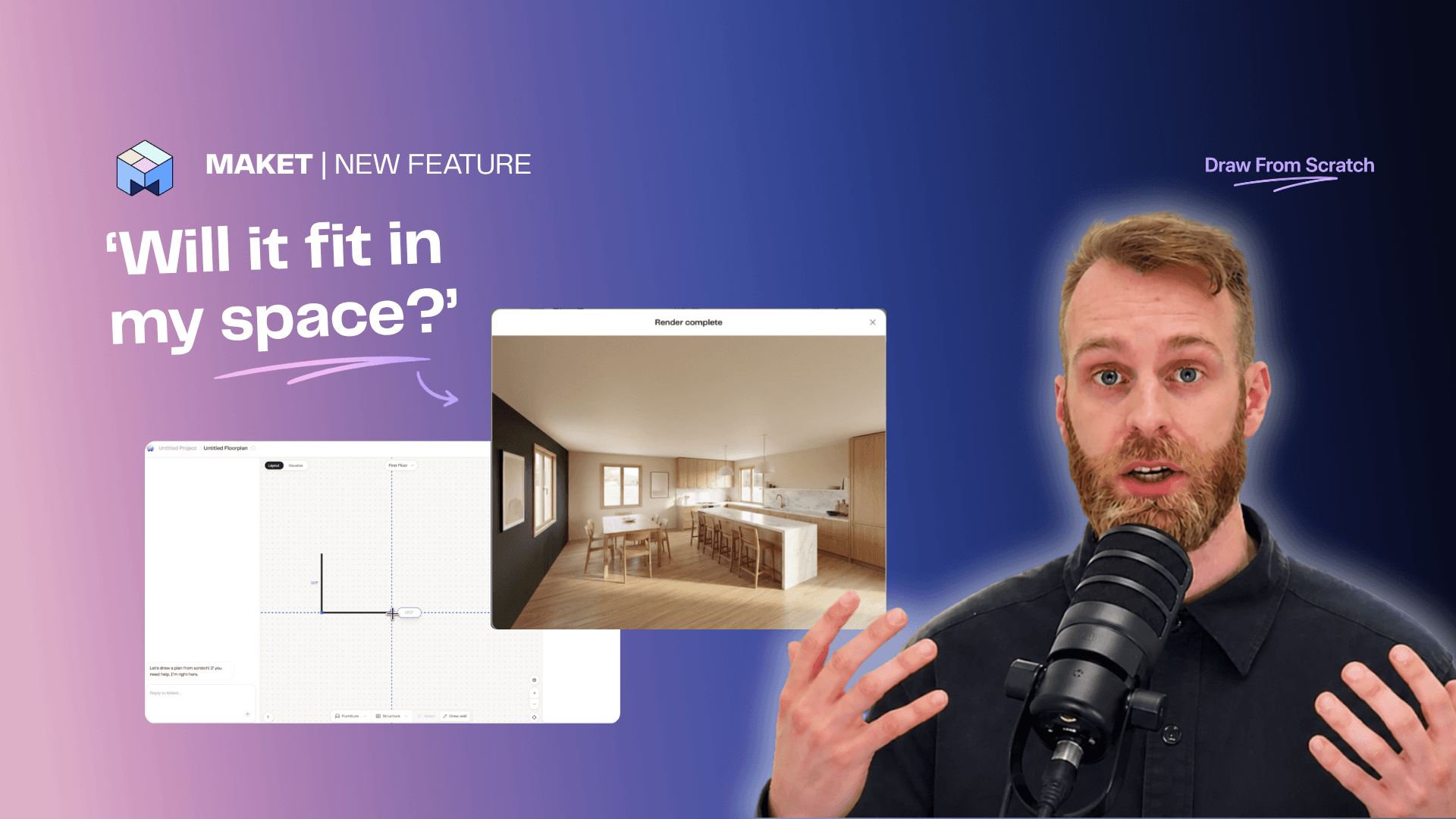
Draw a Floor Plan from Scratch + AI Complete
Sketch any floor plan shape, place the rooms you want, and let AI complete the layout. Turn a rough drawing into a clean plan in minutes.

7 Home Layout Trends Shaping Homes in 2026
Discover the latest home layout trends shaping modern homes and plan your renovation with confidence.
Your renovation plan is one sentence away
Start free: upload your plan, describe the change and see it in minutes.
See plans & pricing
No credit card. No CAD experience needed.