FOR HOMEOWNERS

Most people only get one chance to plan a home, and the drawings arrive late and cost money to change. Maket gives you the plan first. Describe the home you want, or upload the one you have, and an editable floor plan with walls, dimensions and furniture is ready in two to three minutes. Move things, try another layout, render a room to see how it feels, then share the result with the people who will build it.
Describe it
Rooms, size, how you live. The AI drafts a floor plan you can edit.
Make it yours
Move walls, resize rooms, place the furniture you own at real sizes.
See it
Flip to 3D, pick a style, and render any room as a photo-real view.
Share it
Send a link free, or export the plan as a PDF for your builder.
Is the AI home design free?
Free to start: 30 credits, no card. A generated plan uses 20 credits and a render 10. Drawing and editing never use credits.
Do I need to know how to draw plans?
No. Describe the home or pick a footprint and the plan is drawn for you. Edits are drag and drop, or a sentence.
Can I plan from the house I already have?
Yes. Upload a photo, PDF or scan of the plan and it becomes editable.
Can I see furniture in the plan?
Yes. Place pieces from the library at real sizes, or add your own from a photo, then view the room in 3D.
Is it a 2D or a 3D home design tool?
Both. Draw in 2D and switch to 3D at any point; renders come from the same plan.
Can my builder use it?
Share a link free, or export a PDF or DXF on a paid plan. Outputs are design-stage, for the conversations before construction documents.
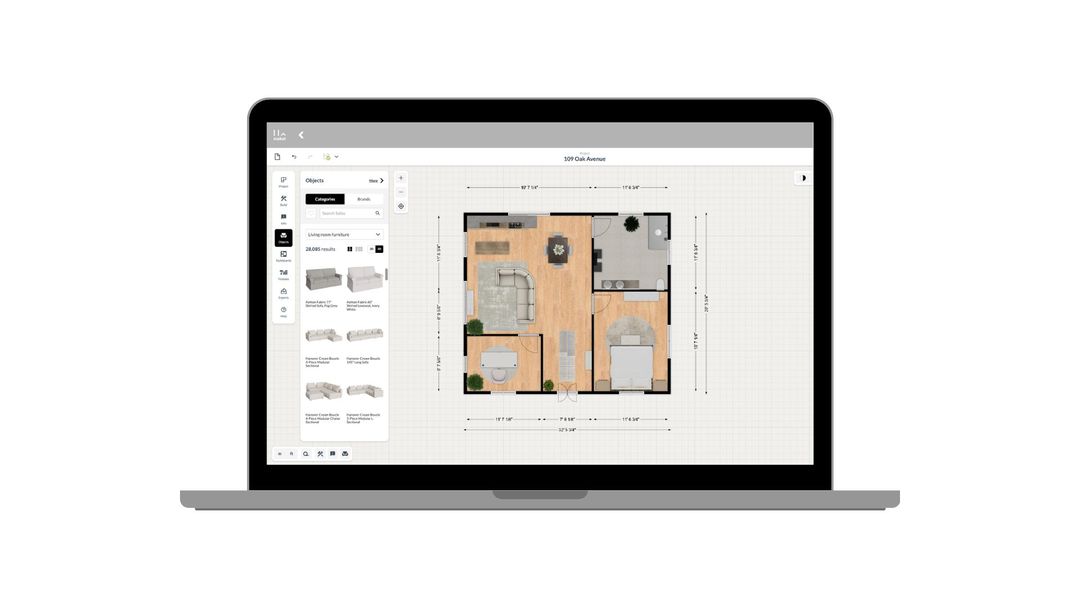
How to use Maket as an Interior Designer
Upload plans. Edit with precision. Visualize in 3D. A step-by-step guide to using Maket to impress clients and streamline your workflow.
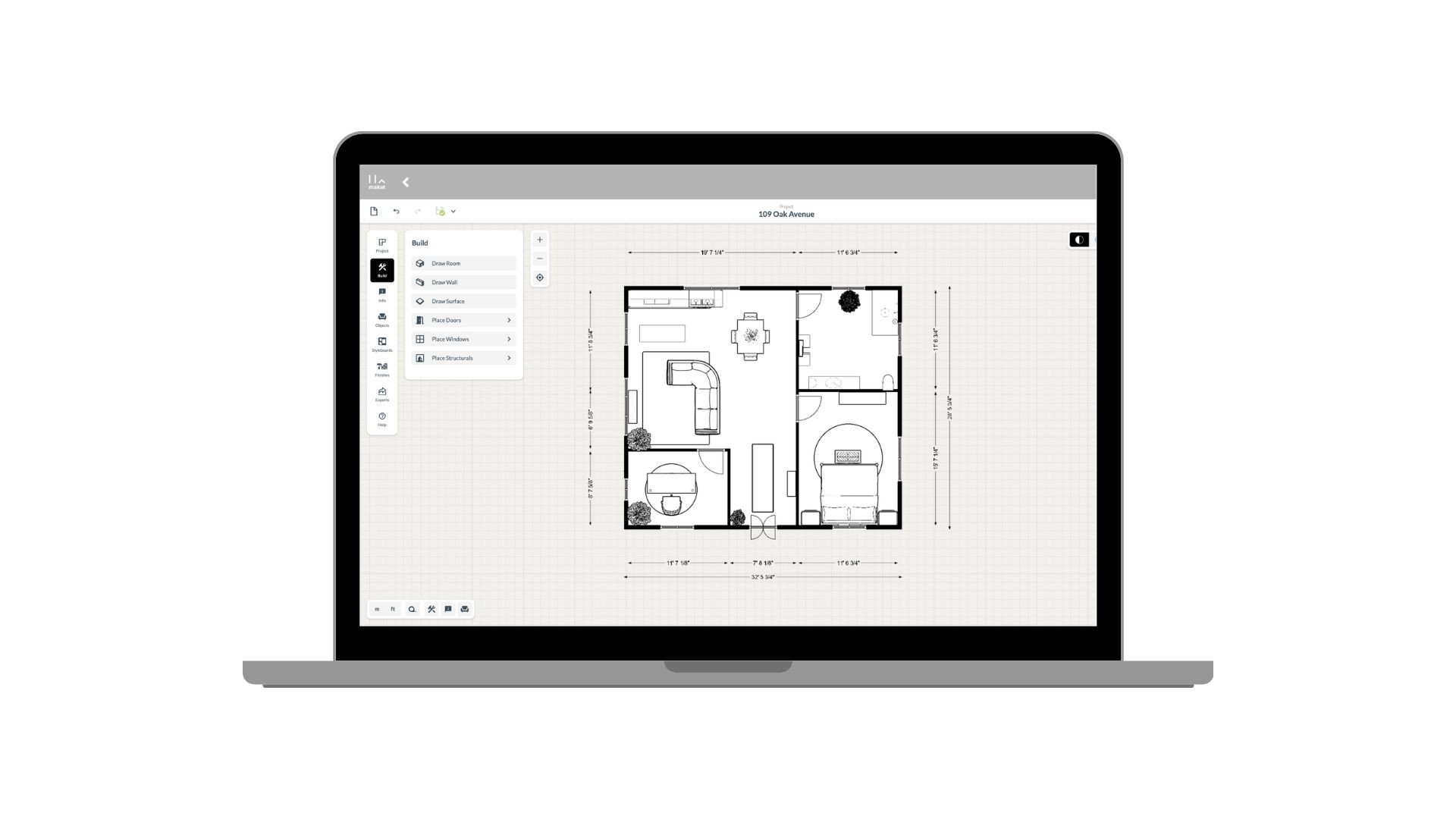
How to use Maket as an Architect
Generate plans. Edit with precision. Present in 3D. See how Maket helps architects take on more projects without sacrificing quality.
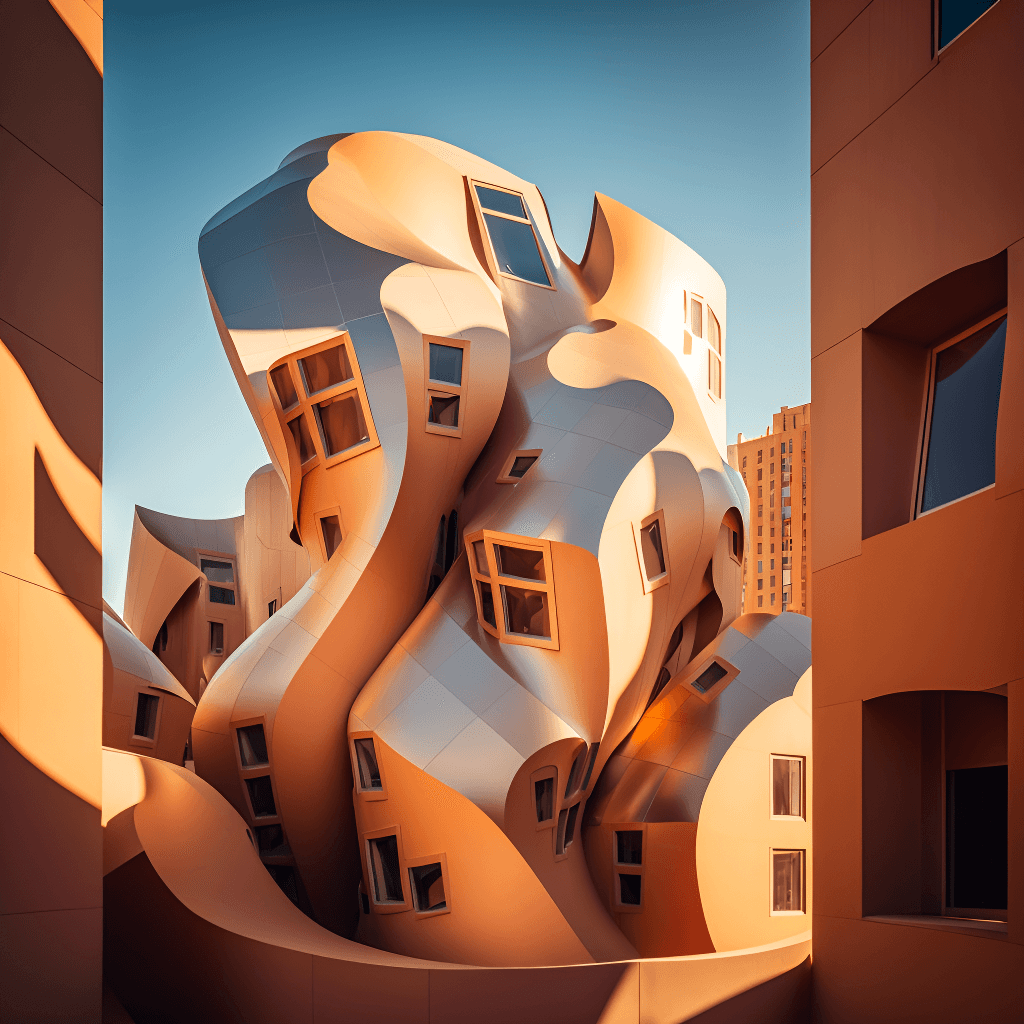
Create Renders Using AI
ChatGPT is a language generation tool that architects can use to communicate and collaborate more effectively with clients, contractors, and stakeholders.
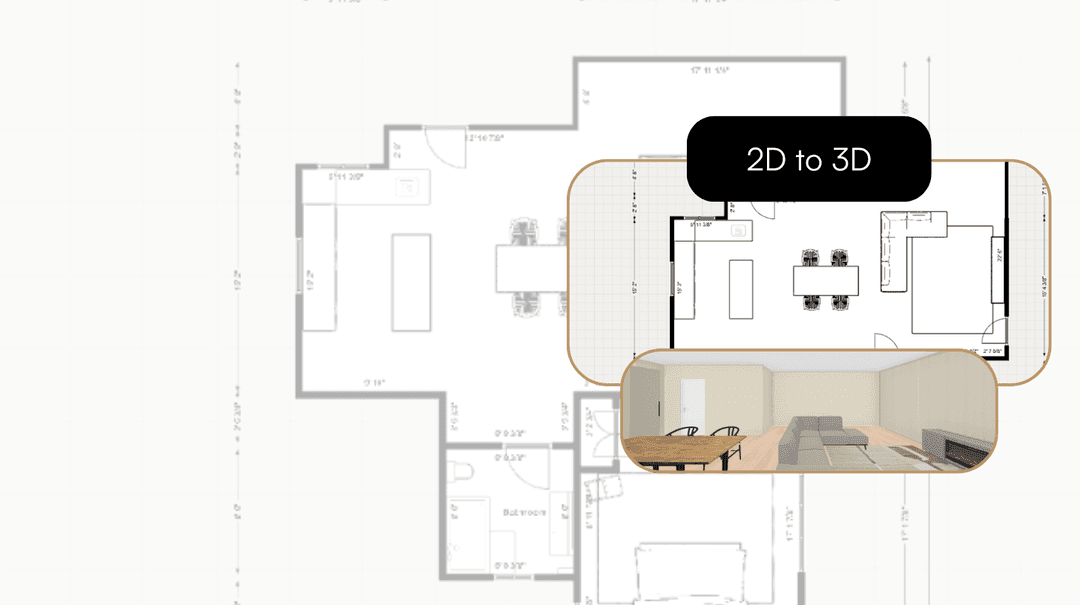
Take your Residential Plans from 2D to 3D Instantly
One click. Fully immersive 3D. Transform flat floorplans into realistic models and see your spaces come to life.
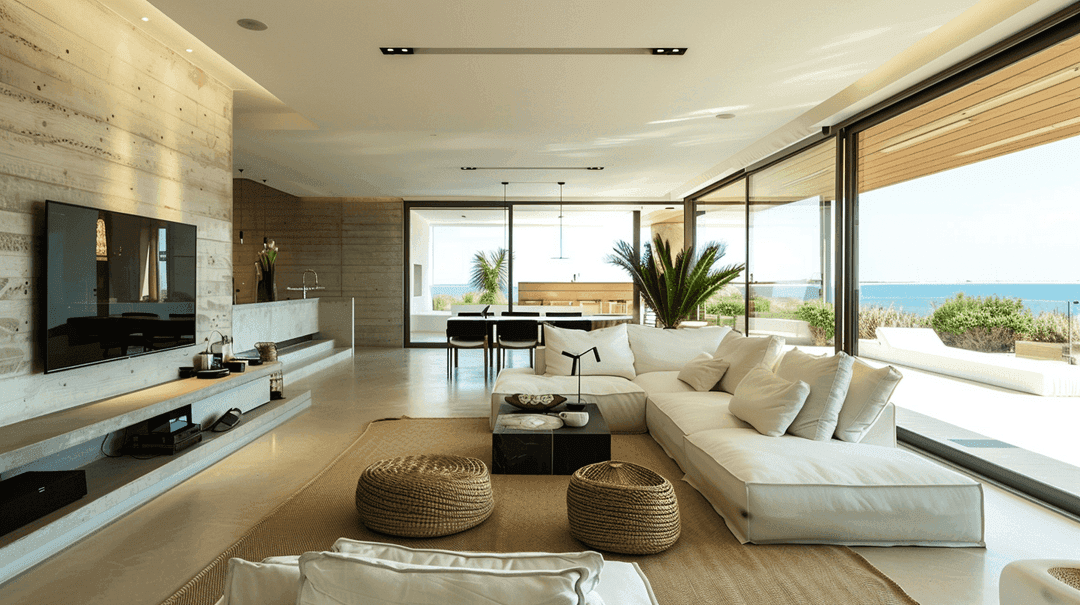
How AI is Simplifying the Lives of Interior Designers
A tool that gets your style, sparks ideas, and brings concepts to life. That's what AI offers designers today.
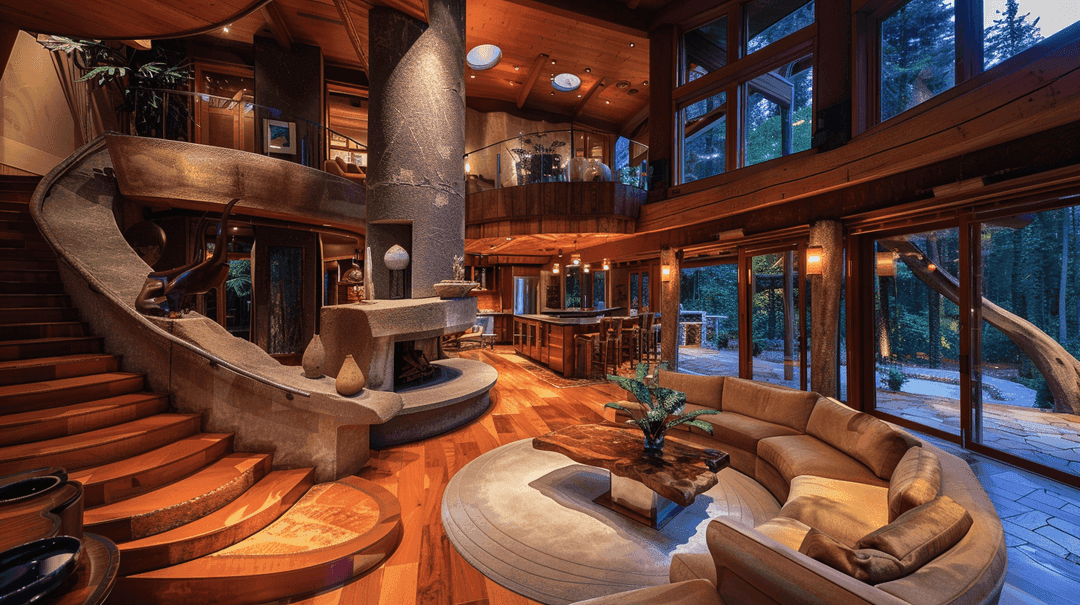
How to Enhance Client Satisfaction Through Custom Designs
Happy clients come back and refer others. Custom home designs show clients you understand their vision and value their needs.
Describe it, get a plan, change your mind for free. 30 credits, no card.
Get started for free
30 free credits. No card required.