FOR BUILDERS

The first meeting usually ends with notes and a promise to come back with drawings. With Maket it ends with a plan on the screen. Type what the client wants, get a floor plan with walls and dimensions in two to three minutes, change it while they watch, and send them the PDF. The plan stays editable for every revision after that, and exports as DXF when it is time to hand it to the drafter.
Brief it in the room
Rooms, sizes and the lot’s limits, typed as the client talks.
Show the options
Generate a second layout, compare them side by side, move walls on the spot.
Render the pitch
A photo-real view of the kitchen or the front room, in minutes, for the decision.
Send it
A link free, a PDF to sign off on, a DXF for the drawings.
Plans in minutes
A floor plan with real dimensions from a typed brief, ready in two to three minutes.
Is Maket home builder software or a design tool?
Both, at concept stage: it draws the plan, lets you edit it, and exports PDF and DXF. Construction documents still come from your drafter or architect.
How fast is a first plan?
Two to three minutes from a typed brief. Edits are immediate.
Can I start from a sketch or an old plan?
Yes. Upload a photo, PDF or scan and it is redrawn as an editable plan. Pro adds five human-validated uploads a month.
Does it do multi-floor homes?
Yes on paid plans. The free plan generates a single floor.
What does it cost for a small crew?
Free to start with 30 credits, then Homeowner at $20 a month with 300 credits or Pro at $100 with 3,000. A plan is 20 credits, a render 10.
Can my clients open the plan?
Share a link free; they open it in the browser in 2D and 3D.
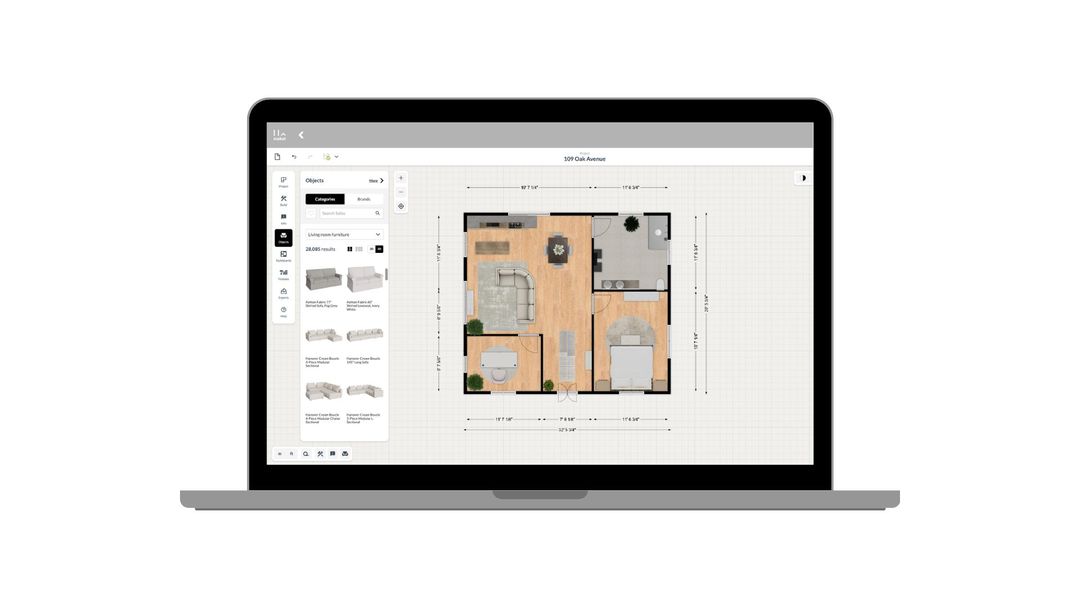
How to use Maket as an Interior Designer
Upload plans. Edit with precision. Visualize in 3D. A step-by-step guide to using Maket to impress clients and streamline your workflow.
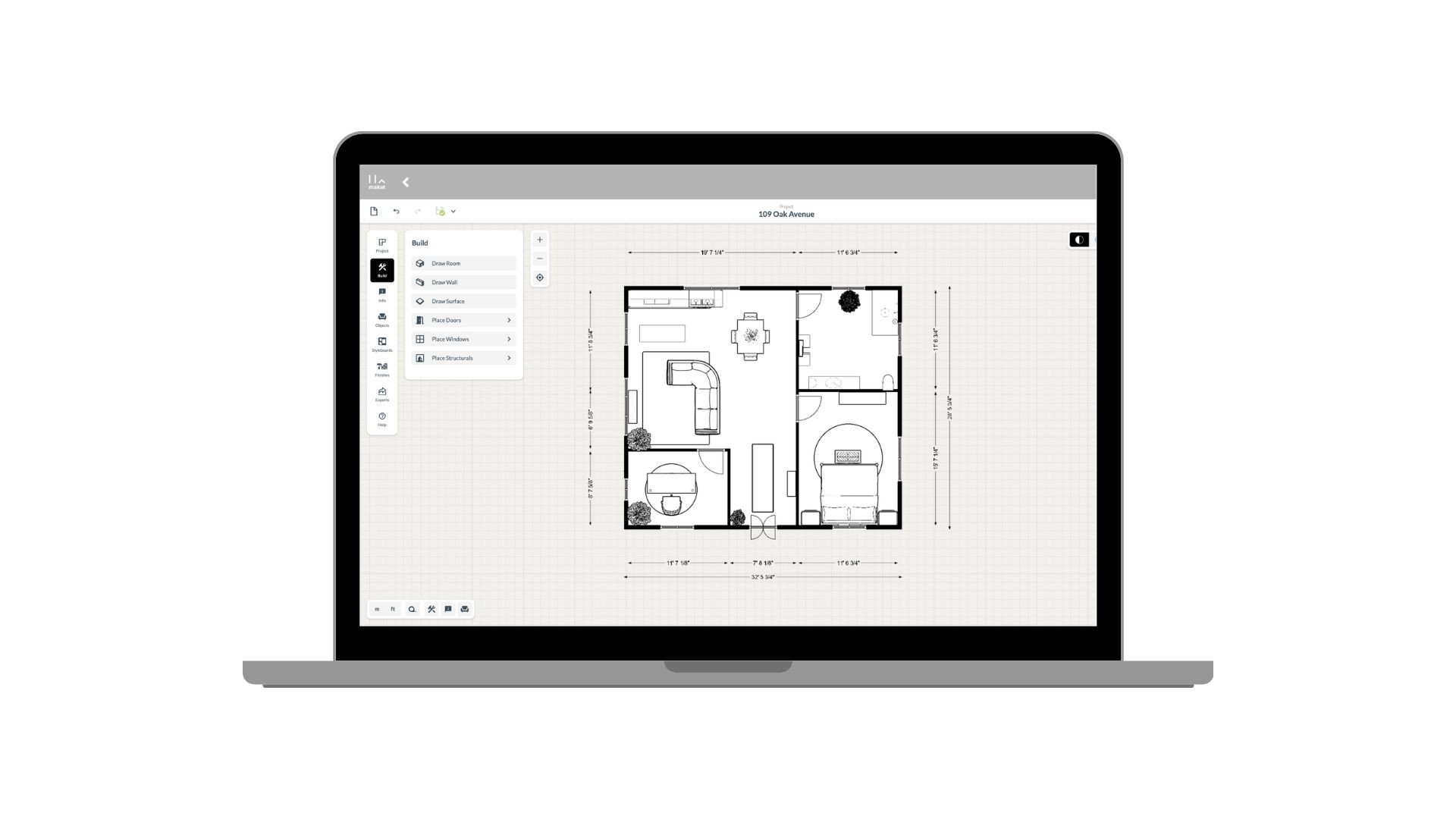
How to use Maket as an Architect
Generate plans. Edit with precision. Present in 3D. See how Maket helps architects take on more projects without sacrificing quality.
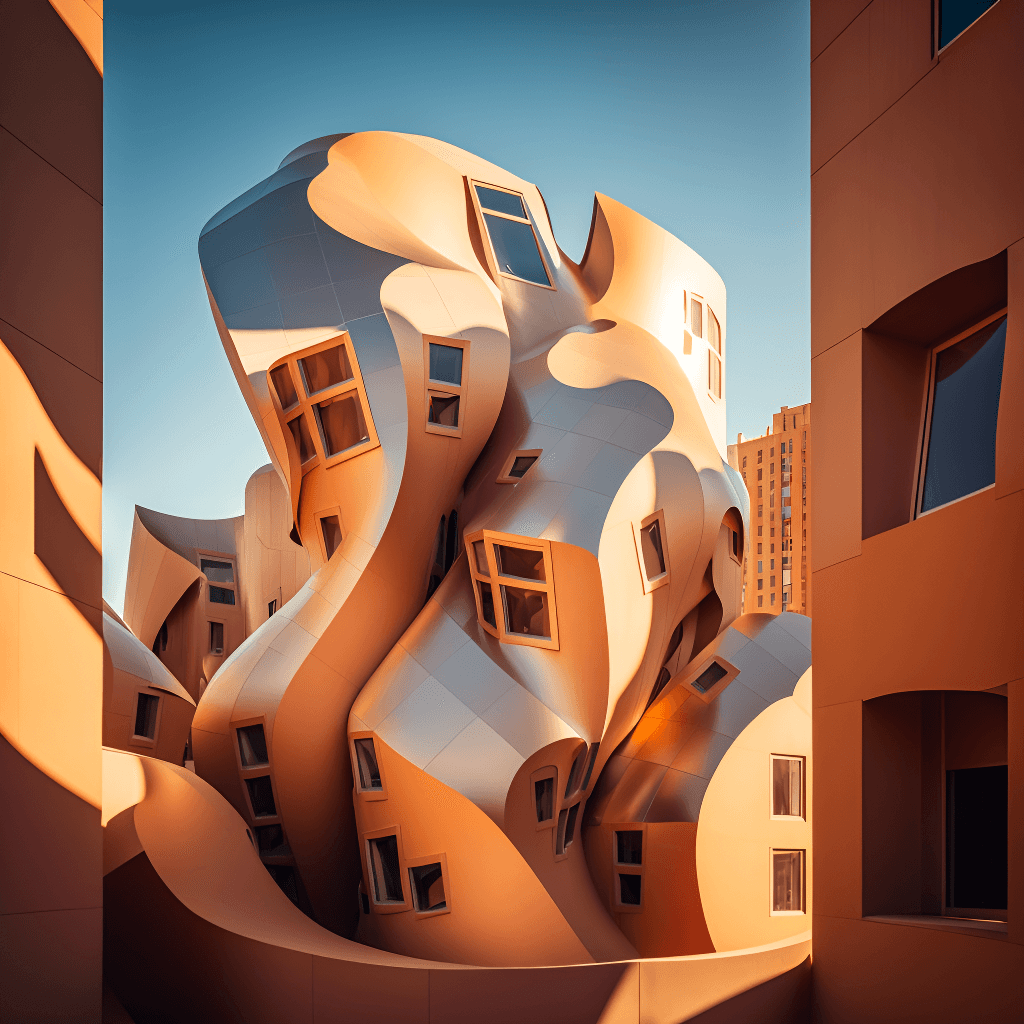
Create Renders Using AI
ChatGPT is a language generation tool that architects can use to communicate and collaborate more effectively with clients, contractors, and stakeholders.
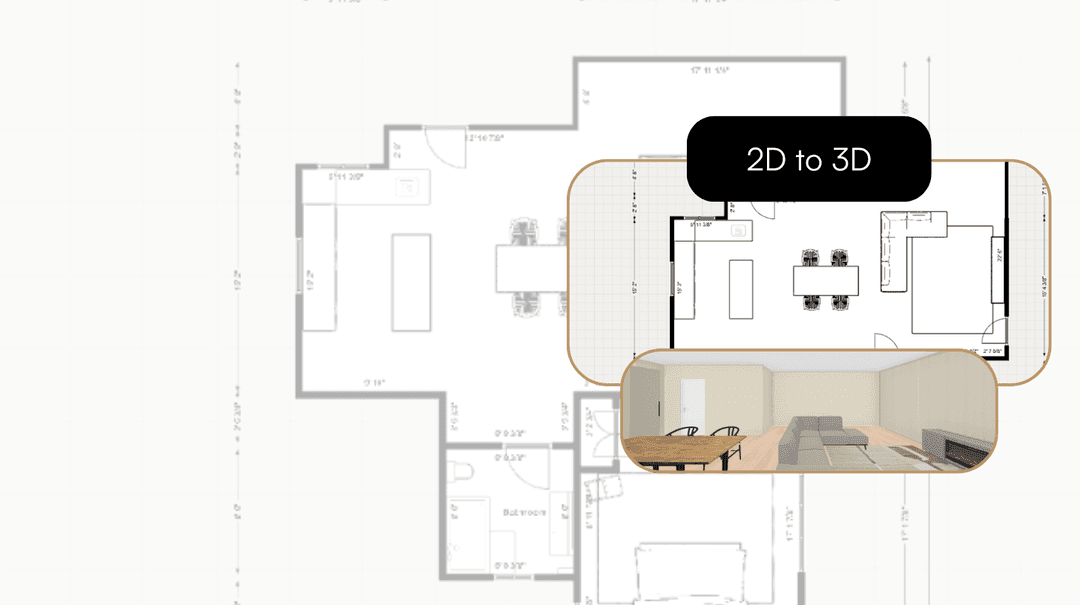
Take your Residential Plans from 2D to 3D Instantly
One click. Fully immersive 3D. Transform flat floorplans into realistic models and see your spaces come to life.
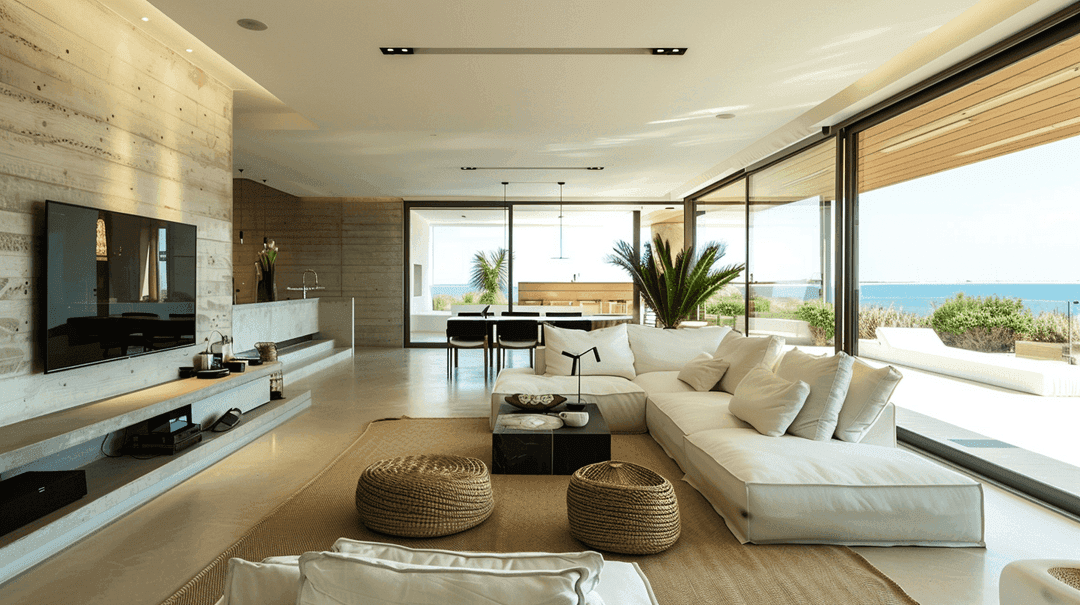
How AI is Simplifying the Lives of Interior Designers
A tool that gets your style, sparks ideas, and brings concepts to life. That's what AI offers designers today.
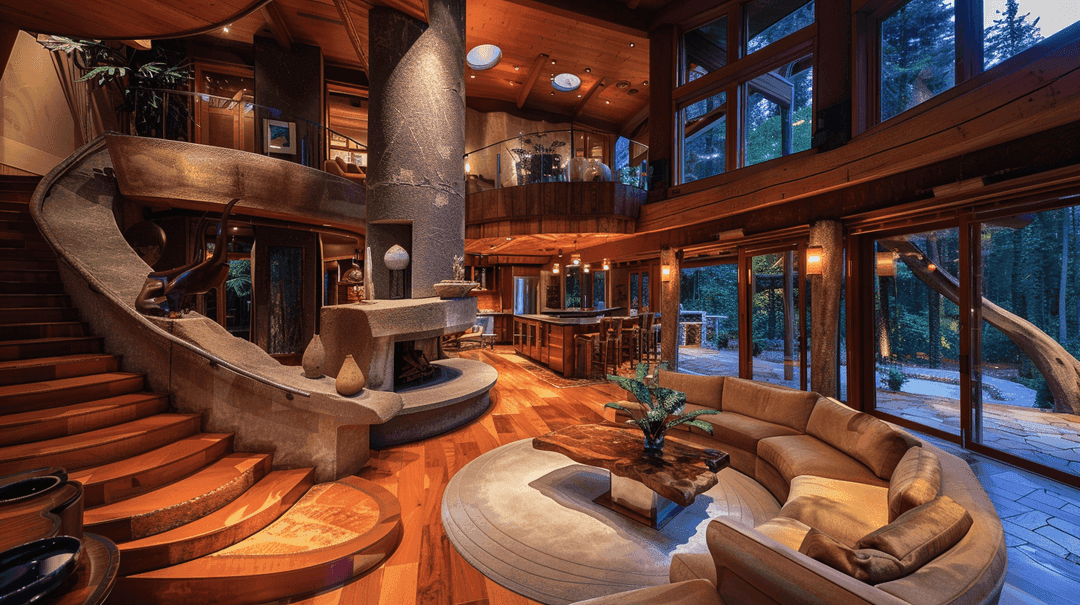
How to Enhance Client Satisfaction Through Custom Designs
Happy clients come back and refer others. Custom home designs show clients you understand their vision and value their needs.
Brief it, draft it, send the PDF. Free to start, no card.
Get started for free
30 free credits. No card required.