LIVING ROOM DESIGN
From the living room you have to the one you want.
Start with an idea, redesign the room you already have, or work from your home’s floor plan.
Start from the room that exists today.
Redesign my living room
Recreate its dimensions, doors and windows, then try different seating layouts and furniture arrangements.

Draw my room
Upload my floor plan
Import your home’s plan and design the living room in context with the kitchen and dining.

Upload my plan
Create a living room from scratch.
Draw a new room
Start on an empty canvas and add the walls, windows, doors and furniture.
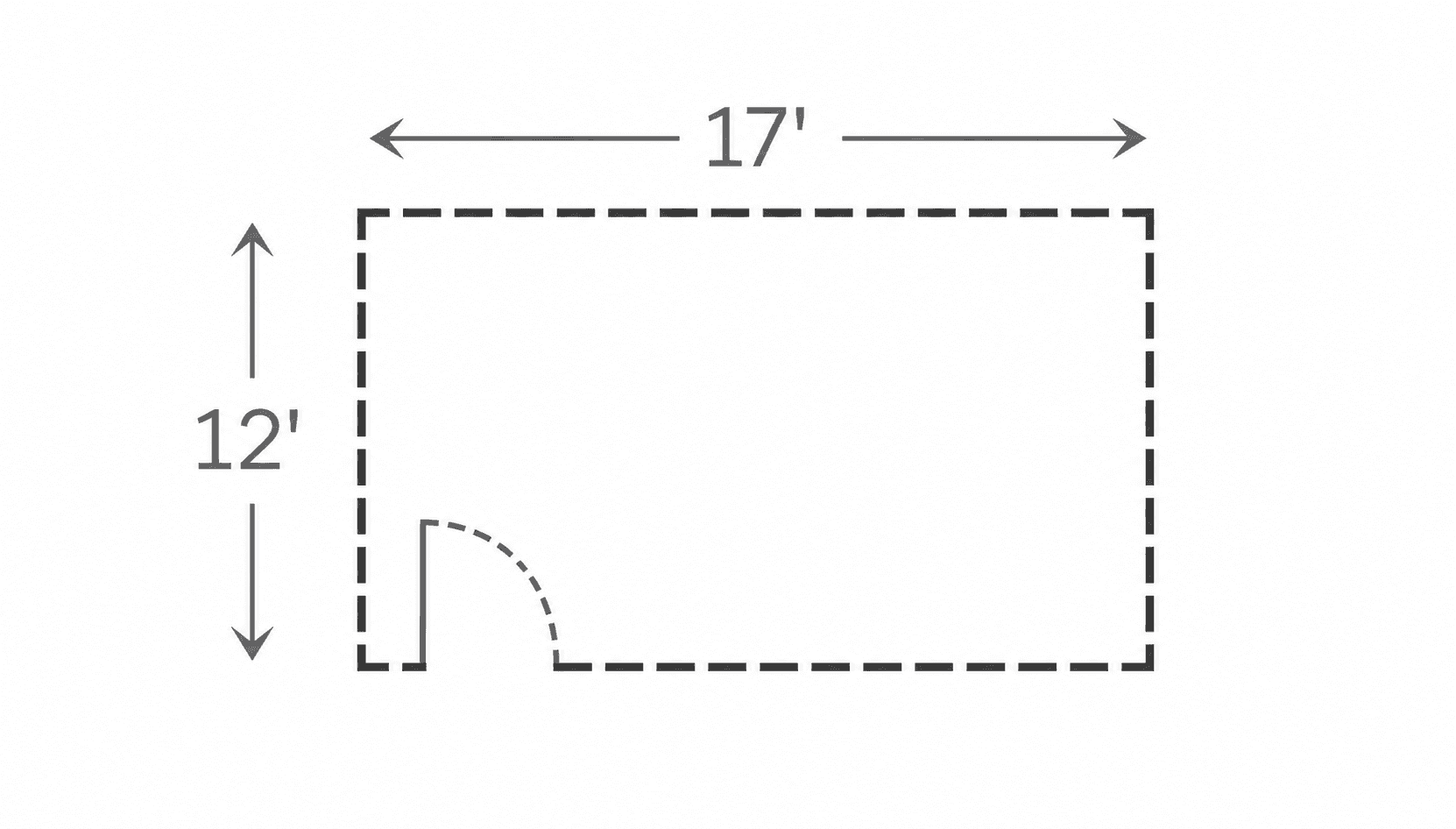
Draw from scratch
Generate a floor plan
Design the living room as part of a whole plan: its size, shape, openings and how it opens to the rest of the home.

Generate new plan
Want to know how an AI floor plan generator works?
See how AI can turn your requirements into a floor plan. Learn more →
An AI living room designer for the whole room
Use AI to explore how seating, storage, style and finishes work together.
Explore living room layouts
Try different ways to place the sofa, chairs, TV and storage while keeping clear walkways and a focal point.
Visualize living room styles
See the same room in different styles and compare flooring, wall colours, materials and furniture.
See your living room in 3D
Switch between the 2D plan, a 3D view and a photoreal render to check proportions, sightlines and light.
Who uses Maket’s AI living room design
Whether you’re furnishing a new build or rethinking the room you sit in every evening, Maket helps you explore layouts, styles and finishes before you commit.
Frequently asked questions
What is AI living room design?
AI living room design uses artificial intelligence to explore how a living room could be arranged and how it could look. With Maket you try seating layouts, furniture, styles, finishes and colours on your own floor plan and compare the options in one workspace.
How does the AI living room designer work?
Start with the workflow that fits: recreate the room you have, draw a new one, upload a floor plan, or generate a starting layout for the home. Then use the layout and visualization tools to arrange the furniture and render the result.
Is there a free AI living room design tool?
Yes. Maket’s free plan includes 30 one-time credits for plan generation and renders, plus the floor plan editor, with no card required.
Can I use it as a living room layout planner?
Yes. Draw the room with its dimensions, doors and windows, then place a sofa, chairs, tables and storage at real sizes and check the walkways in the plan.
How far should the sofa be from the TV?
A common guideline is a viewing distance of about 1.5 to 2.5 times the screen’s diagonal, with the screen centred on the main seat. Place both in the plan and the distance is easy to read.
How much space should I leave for walkways?
Around 30 to 36 inches for main paths through the room and about 18 inches between a sofa and a coffee table are common planning guidelines. Clear paths matter more than filling every wall.
What size rug does a living room need?
A rug that sits under at least the front legs of every seat ties the arrangement together; in many rooms that means 8 by 10 feet or larger. Try it in the plan before you buy.
Can I see my own furniture in the design?
Yes. Add a piece from a photo with its dimensions and place it in the room, or choose from the library, then view it in 3D and render.
Can I export the living room plan?
Yes. Share a link free, or export PDF and DXF on paid plans. Outputs are design-stage, not construction documents.
Does AI replace an interior designer?
No. It helps you explore and explain ideas quickly; a designer brings the judgement, the sourcing and the details.
Learn more about AI living room design

Bedroom Design: A Practical Guide to Planning Your Space
Whether you’re starting from scratch or rethinking an existing bedroom, explore the essentials of layout, bed sizes, storage, lighting, and comfort.
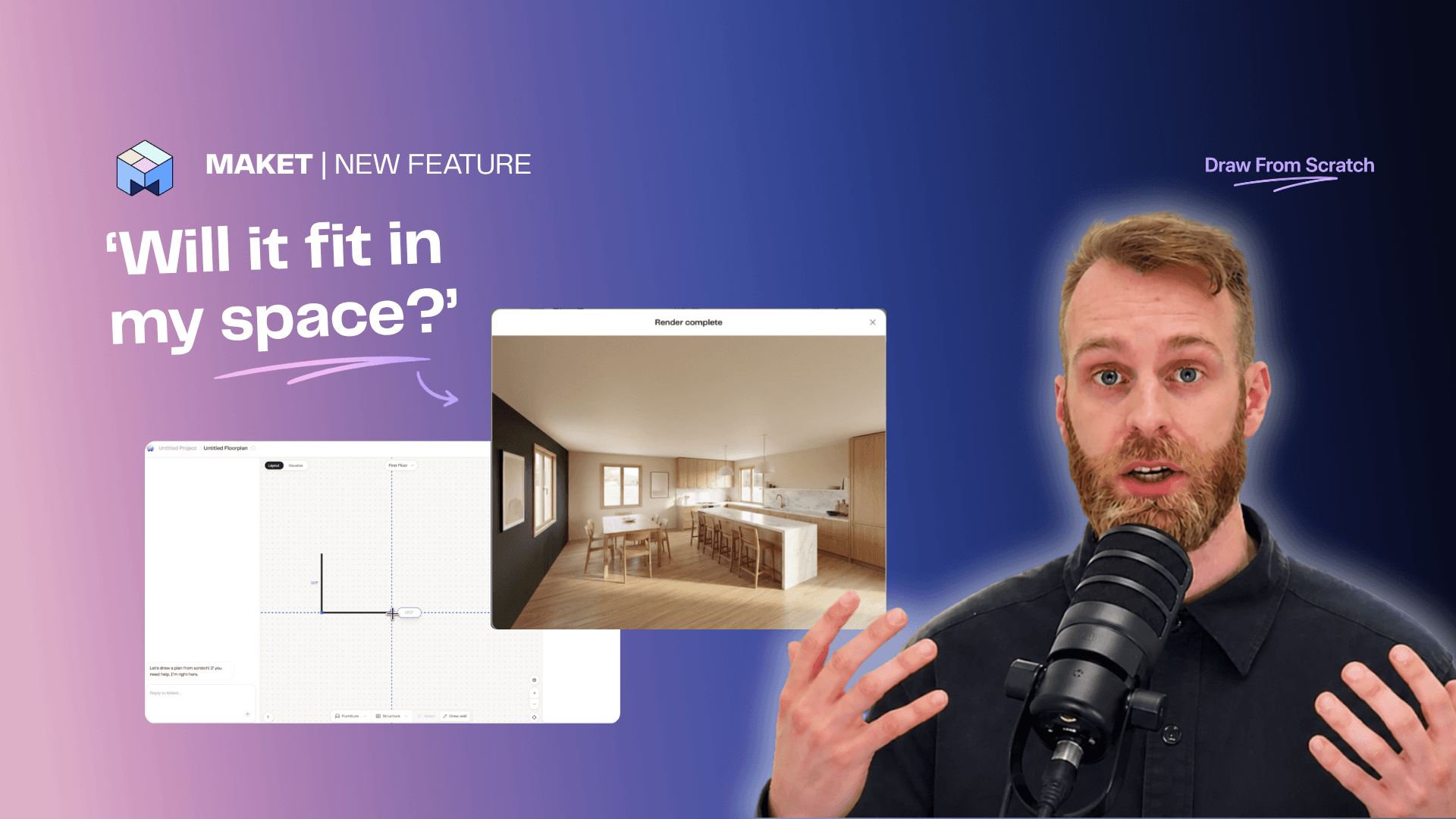
Draw a Floor Plan from Scratch + AI Complete
Sketch any floor plan shape, place the rooms you want, and let AI complete the layout. Turn a rough drawing into a clean plan in minutes.

7 Home Layout Trends Shaping Homes in 2026
Discover the latest home layout trends shaping modern homes and plan your renovation with confidence.
Your living room design is one sentence away
Start free: describe your room and see the first design in minutes.
See plans & pricing
No credit card. No CAD experience needed.