FOR FURNITURE RETAILERS
Shoppers want to see the sofa in their room before they buy it. Maket turns a product photo into a 3D model with the dimensions from the spec sheet, places it in a floor plan with furniture at real scale, and renders the room so they can see the piece in context. Teams on Scale import catalogues in bulk and connect through the API.
Add the product
One photo and the dimensions from the spec sheet become a 3D object.
Place it to scale
Drop it into a plan, yours or the customer’s, next to what they already own.
Render the room
A photo-real view of the piece in the space, in the style they chose.
Share the result
A link they can open and keep editing, or a PDF.
In the customer’s room
Placed in their plan and rendered, so the scale and the style read true.
What does it cost to add a product?
10 credits per object from a photo. Placing and viewing are free.
Can I import 3D files I already have?
Not yet: objects come from photos and dimensions. GLB and OBJ import is not supported.
Can I load a whole catalogue?
Scale plans include bulk import and an API. Talk to us for volumes.
Where do my objects live?
Under Objects › Custom in your account, ready for every plan.
Can customers place pieces in their own plan?
Yes. They draw or upload their plan, add the piece, and render the room.
Is there a free way to try it?
Yes. 30 credits, no card: three objects, or one object and two renders.
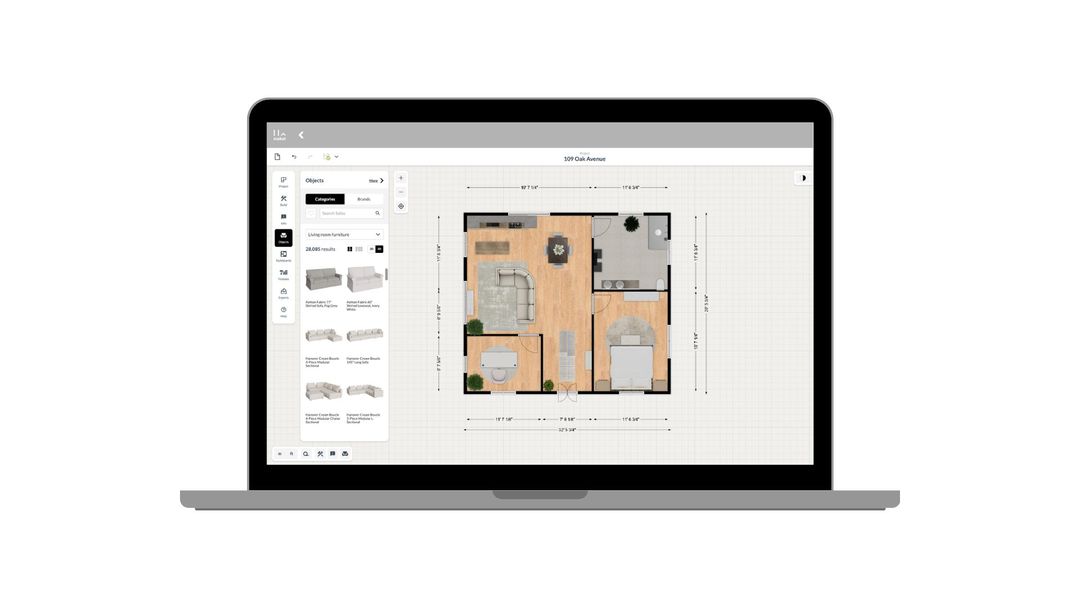
How to use Maket as an Interior Designer
Upload plans. Edit with precision. Visualize in 3D. A step-by-step guide to using Maket to impress clients and streamline your workflow.
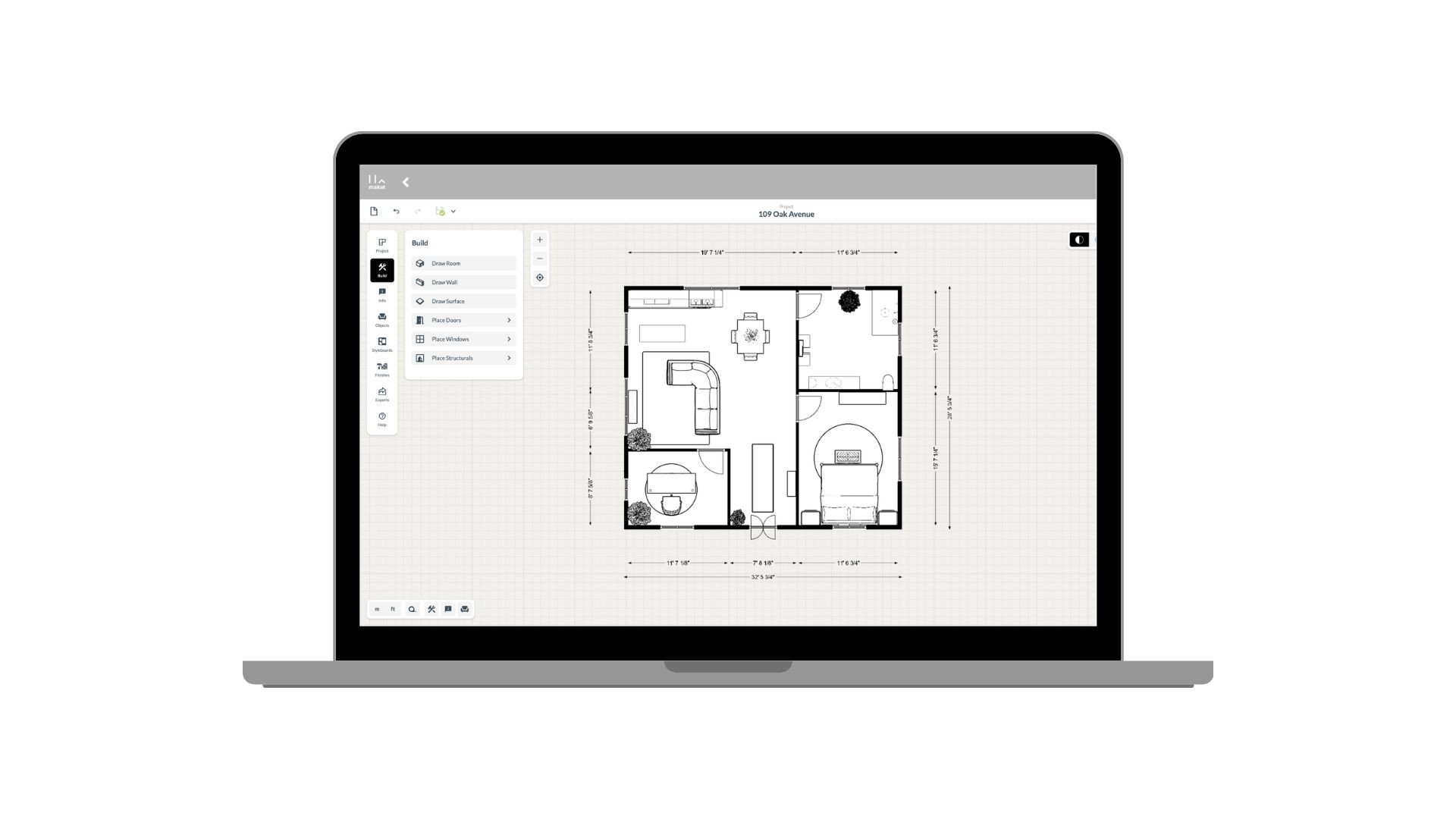
How to use Maket as an Architect
Generate plans. Edit with precision. Present in 3D. See how Maket helps architects take on more projects without sacrificing quality.
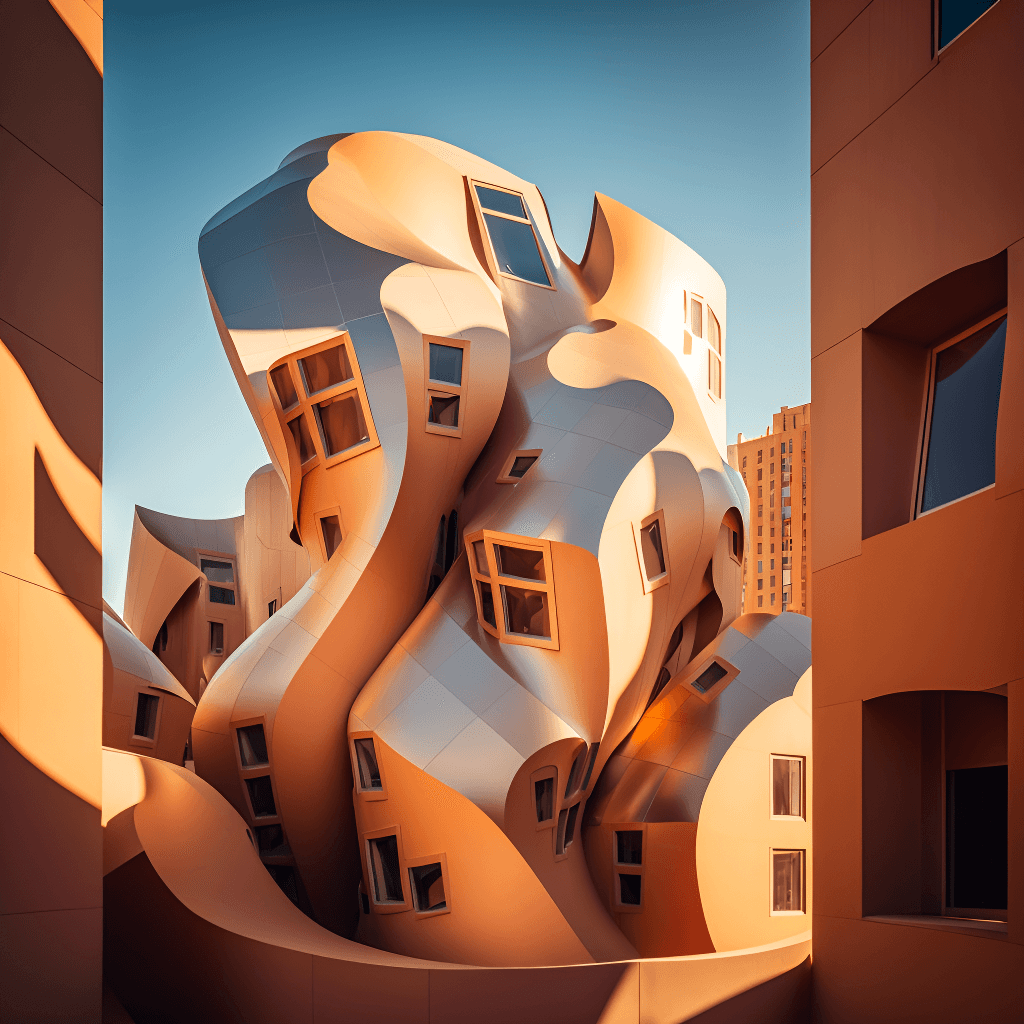
Create Renders Using AI
ChatGPT is a language generation tool that architects can use to communicate and collaborate more effectively with clients, contractors, and stakeholders.
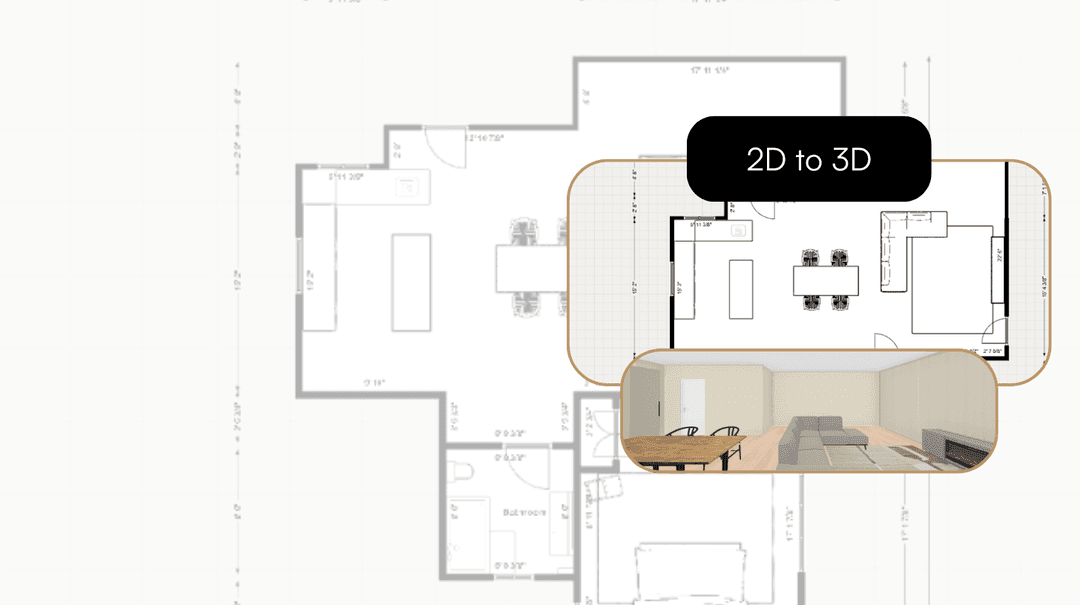
Take your Residential Plans from 2D to 3D Instantly
One click. Fully immersive 3D. Transform flat floorplans into realistic models and see your spaces come to life.
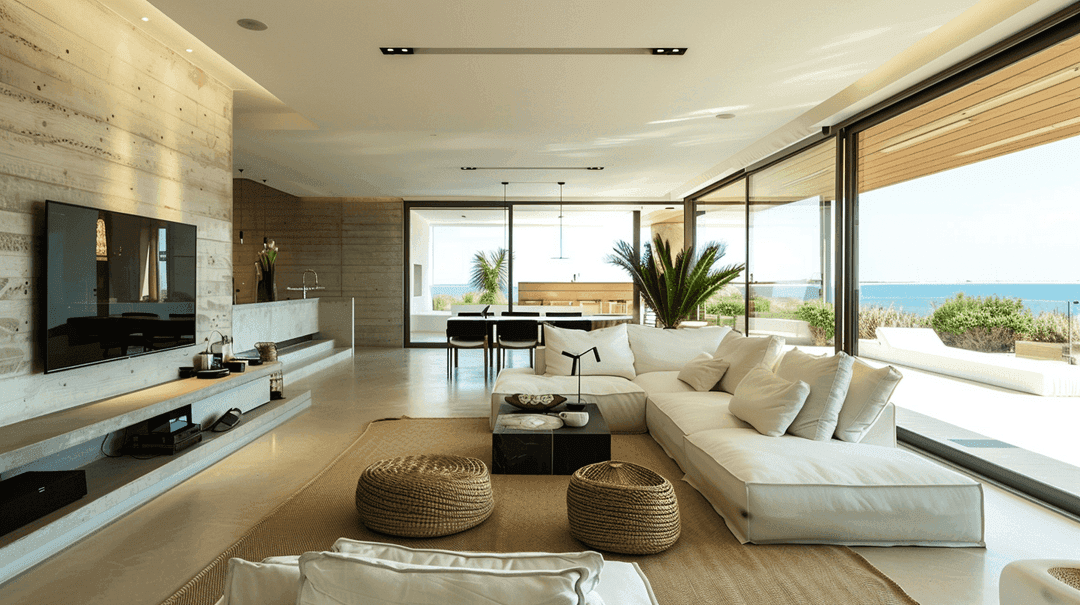
How AI is Simplifying the Lives of Interior Designers
A tool that gets your style, sparks ideas, and brings concepts to life. That's what AI offers designers today.
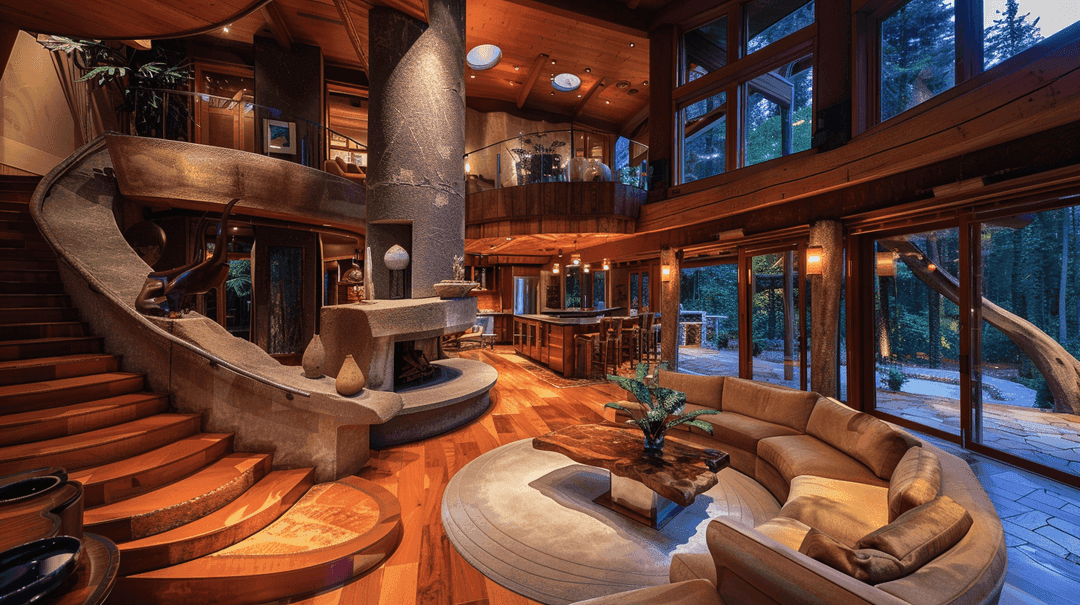
How to Enhance Client Satisfaction Through Custom Designs
Happy clients come back and refer others. Custom home designs show clients you understand their vision and value their needs.
Photo in, 3D model out, placed and rendered. Free to start.
Get started for free
30 free credits. No card required.