FOR INTERIOR DESIGNERS
Client rooms come with walls that will not move and furniture that will. Maket starts from what exists: upload the plan or a photo of the room, mark what stays, and redesign the rest by hand or in a sentence. Place the client’s own pieces from photos, apply finishes, and render each option in minutes, so the presentation shows their room, not a reference image.
Bring the room
Upload the plan, or a photo, and it becomes an editable space with dimensions.
Keep and change
Lock the pieces that stay. Move, swap or restyle the rest.
Add the real things
The client’s sofa from a photo, your finishes from the library.
Present it
Render each option photo-real, in the style the client named, and share a link.
Is this an AI interior design app or a planning tool?
Both: a floor plan editor with AI for the redesign and the renders. It runs in the browser.
Can I work from a photo of the room?
Yes. A photo, PDF or scan of the plan becomes an editable room.
Can I use the client's own furniture?
Yes. One photo and the dimensions make a 3D object, 10 credits each; placing it is free.
How do I show two directions?
Keep both versions, render each, and share the links.
What do exports include?
PDF and DXF on paid plans, plus render downloads. The free plan shares by link.
Is it free to try?
30 credits, no card. A render is 10 credits; drawing and editing never use credits.
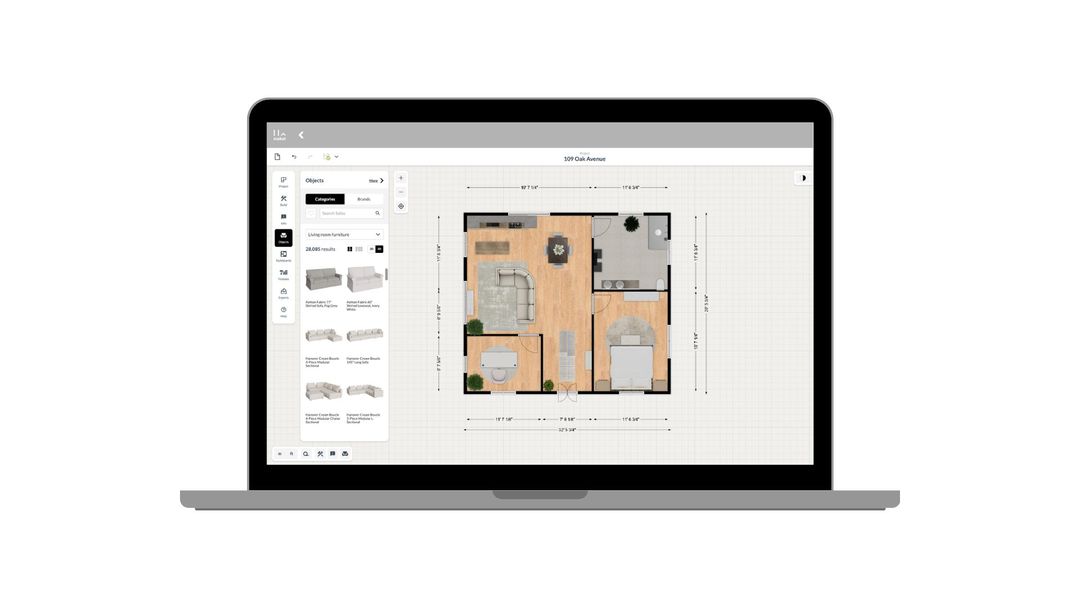
How to use Maket as an Interior Designer
Upload plans. Edit with precision. Visualize in 3D. A step-by-step guide to using Maket to impress clients and streamline your workflow.
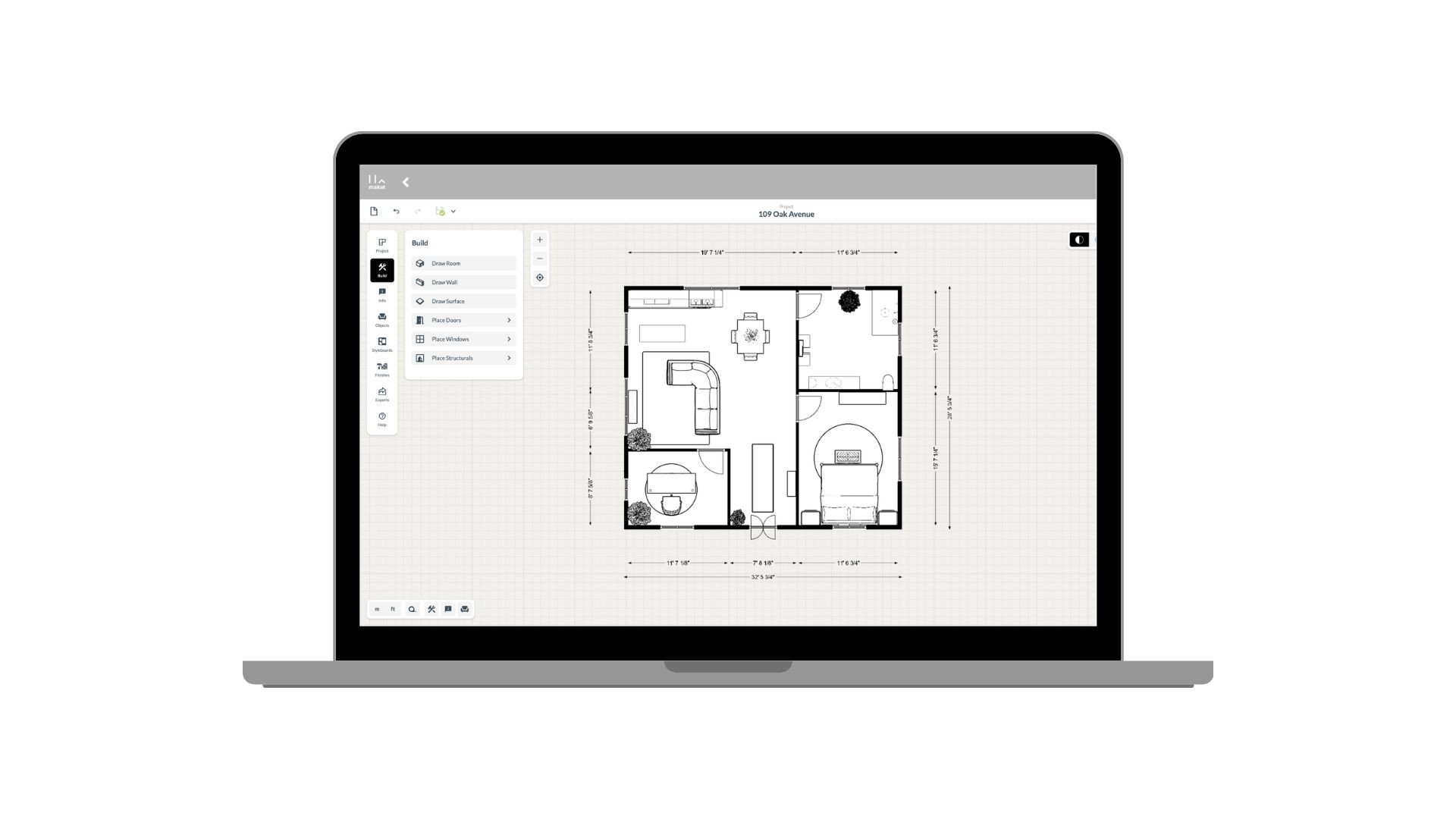
How to use Maket as an Architect
Generate plans. Edit with precision. Present in 3D. See how Maket helps architects take on more projects without sacrificing quality.
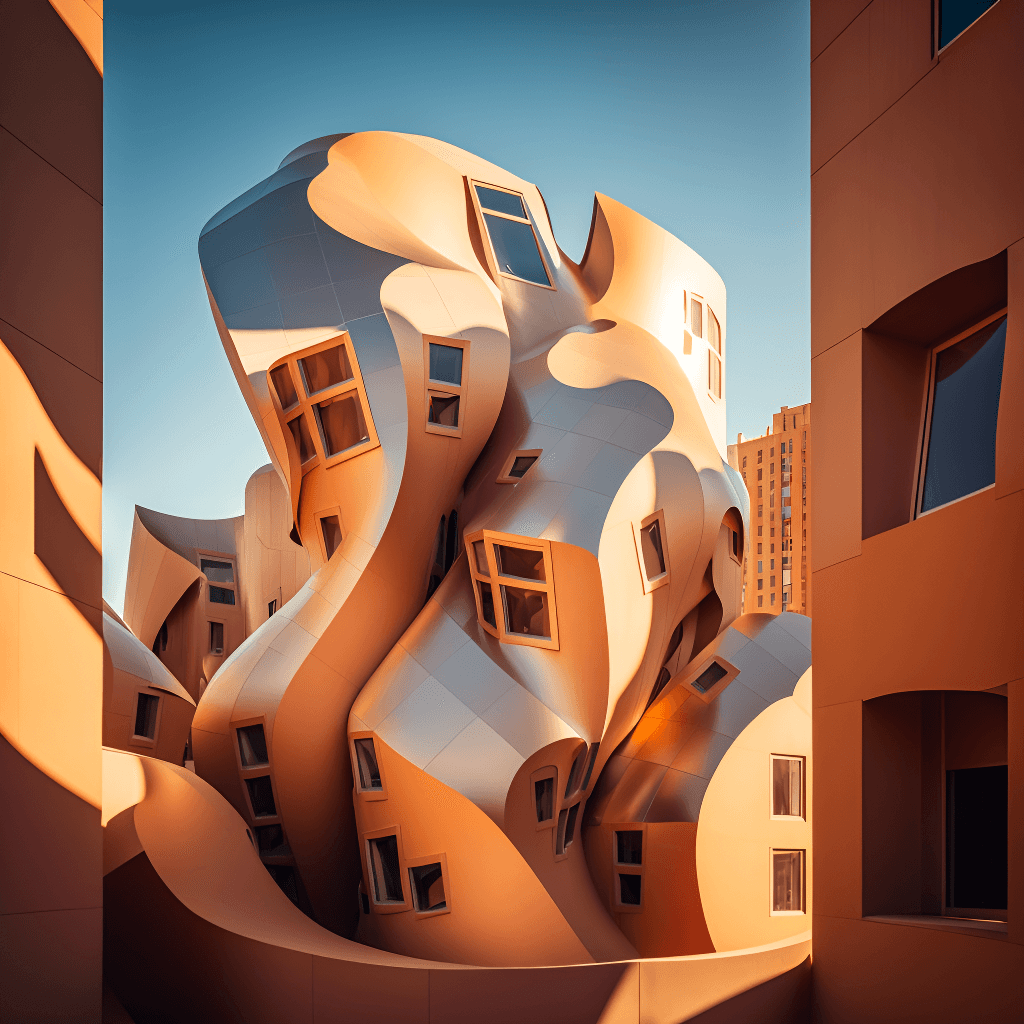
Create Renders Using AI
ChatGPT is a language generation tool that architects can use to communicate and collaborate more effectively with clients, contractors, and stakeholders.
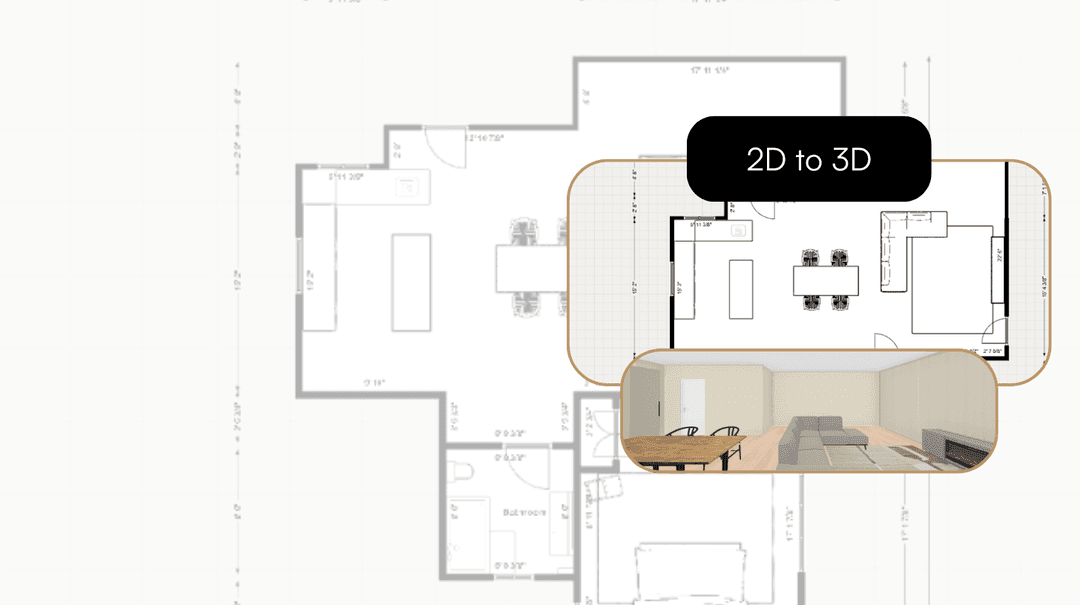
Take your Residential Plans from 2D to 3D Instantly
One click. Fully immersive 3D. Transform flat floorplans into realistic models and see your spaces come to life.
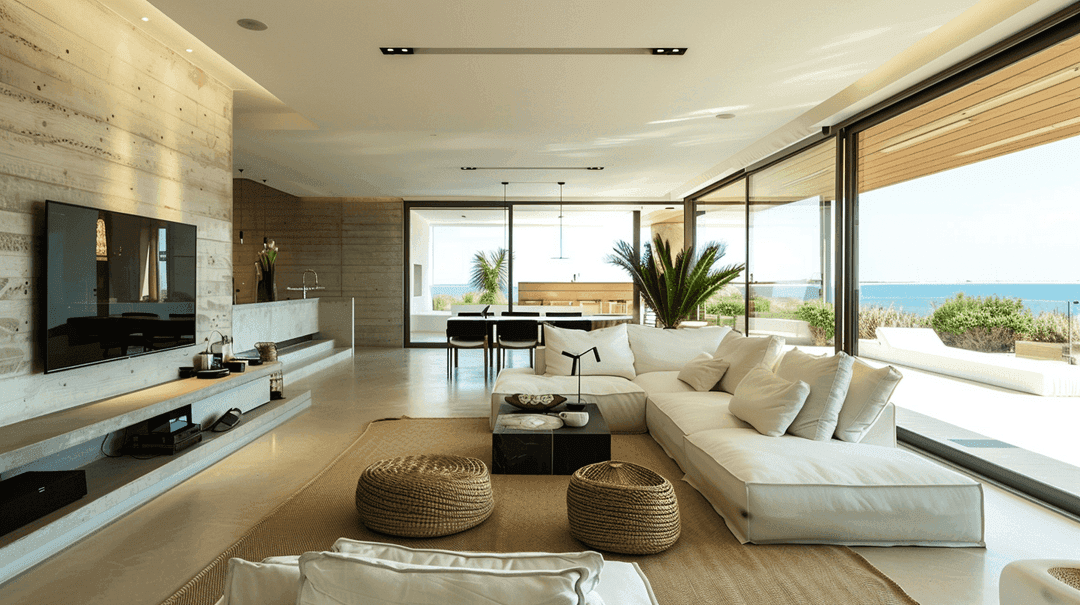
How AI is Simplifying the Lives of Interior Designers
A tool that gets your style, sparks ideas, and brings concepts to life. That's what AI offers designers today.
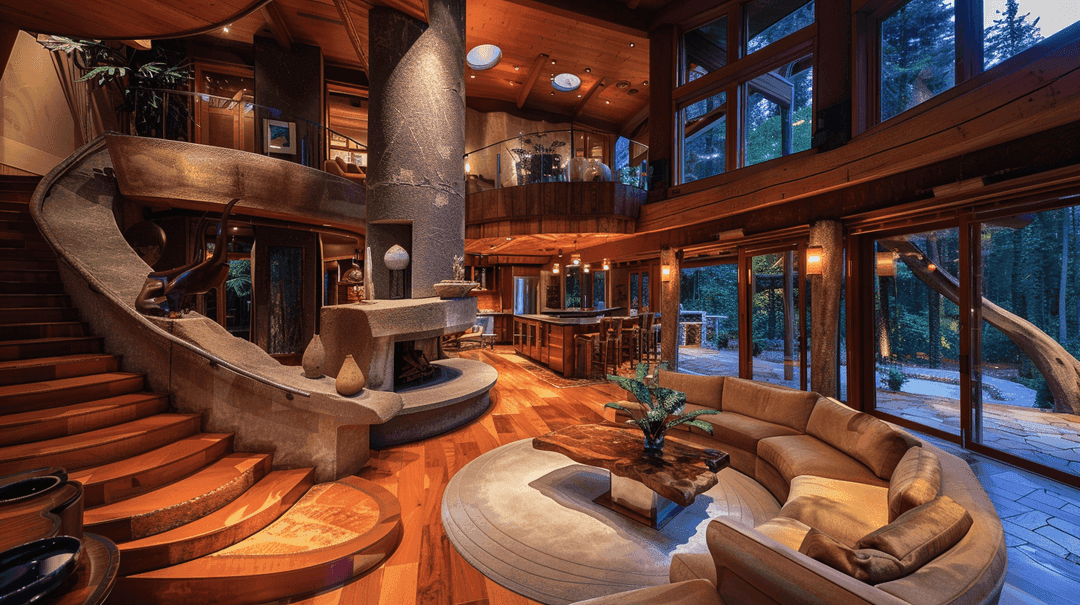
How to Enhance Client Satisfaction Through Custom Designs
Happy clients come back and refer others. Custom home designs show clients you understand their vision and value their needs.
Upload the plan, keep what stays, render the rest. Free to start.
Get started for free
30 free credits. No card required.