

Design it room by room
Each room has its own page, with the layouts, finishes and questions that matter there.
Rooms
Start with the room you are changing.
Kitchens
Lay out cabinets, an island and appliances on your own floor plan, try finishes and see the kitchen rendered before anything is ordered.
Explore
Bedrooms
Design a bedroom with AI and see your ideas before making changes: layouts, furniture placement, colours, materials, lighting and styles.
Explore
Living Rooms
Plan the seating, the TV wall and the walkways, try styles and finishes, and see the living room rendered in 3D before you buy or move anything.
Explore
Bathrooms and renovations
Fixtures, clearances and the changes that need a plan.
Bathrooms
Place the fixtures, check the clearances, try tiles and finishes, and see the bathroom rendered in 3D before the plumber is booked.
Explore
Home Renovation
Upload the plan you have, change what the renovation changes, keep the rest, and see the result rendered before anyone quotes the work.
Explore
Any room, from a photo
Change any room in plain words or by hand. AI room design from a photo or a plan, on the same canvas as the floor plan.
Explore
The whole home
From the floor plan to the render.
AI Floor Plan Generator
Describe the home you want. The AI floor plan generator returns an editable plan with walls, dimensions and furniture in minutes.
Explore
2D to 3D
Switch views and your plan becomes a 3D floor plan. Orbit it or walk through it, then render any room.
Explore
AI Rendering
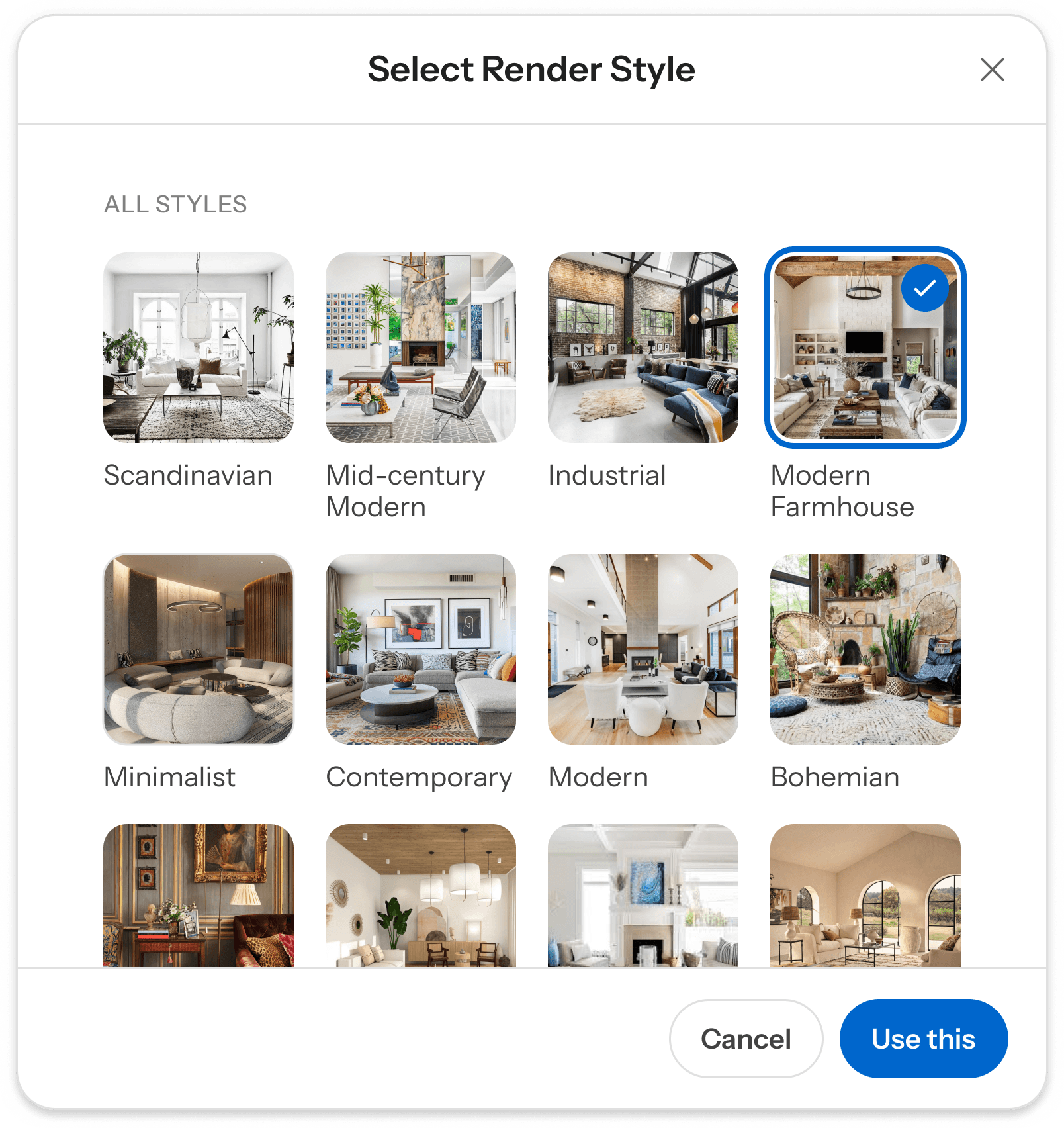
Pick a view and a style. AI rendering turns your plan into a photoreal image of the rooms you drew.
Explore
Your questions, answered
Get quick answers to the most common questions about our platform and services.
Can AI really generate floor plans?
Yes. Maket uses generative AI to create residential floor plans from a simple conversation. Describe your rooms, dimensions, and style preferences, and the AI produces multiple layout options you can edit and refine in minutes.
Which AI is best for floor plan design?
The best AI floor plan generator depends on your workflow. Maket is built for residential projects, with tools for generating editable plans, refining layouts, and visualizing them in 3D. See our comparison of the best AI floor plan generators for a broader breakdown.
How fast does Maket produce a residential floor plan?
Most floor plan options are ready within two to three minutes of submitting your requirements. You can generate several variations in a single session and compare them before choosing a direction to refine. There is no queue and no wait for a designer to respond.
Do I still need an architect?
Maket is designed to complement architects, not replace them. Use it to explore layout ideas and generate initial concepts quickly, then bring your designs to a professional for structural review and permits.
What types of floor plans can Maket generate?
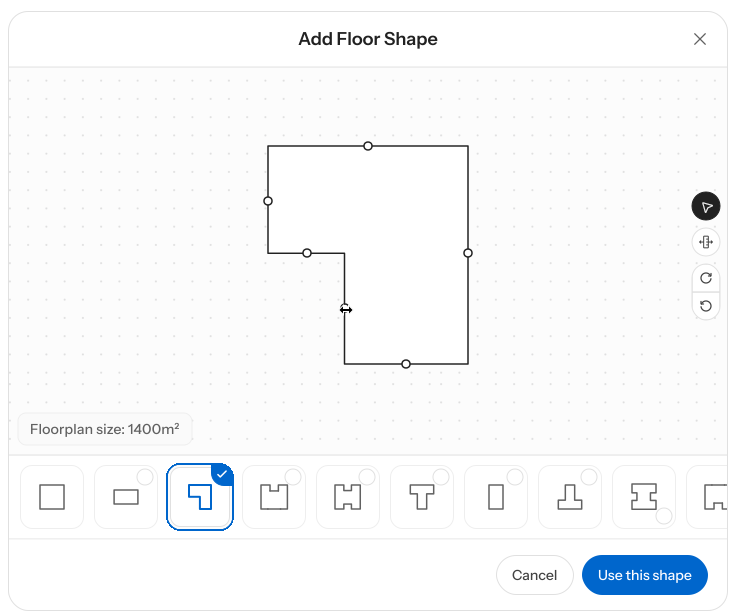
Maket generates residential floor plans from 1 to 4 stories. You can specify room types, square footage, architectural shape, and design style. The AI creates multiple variations you can compare and customize.
Is Maket free to use?
Yes, Maket is free to start. You receive 30 credits when you sign up, with no credit card required. Those credits are enough to generate and explore several floor plan options. Paid plans are available for ongoing projects or professional use, starting at $20 per month for homeowners and $100 per month for professionals.
Is Maket free?
Yes. Maket offers a Free plan with 30 one-time credits—no credit card required. It includes single-floor plan generation, editing, rendering, and link sharing. Paid plans unlock additional credits, multi-floor generation, Floor Plan Upload, AI editing, and downloadable exports. Top-up credits are also available to paid subscribers. Visit our pricing page for details.